AI 3D Model Generators
Explore top AI tools for creating stunning 3D models effortlessly and innovatively.

The world of 3D modeling has witnessed an incredible transformation, thanks to AI technology. What once took hours of painstaking design can now be accomplished in minutes, as AI 3D model generators make it easier to create stunning visuals with just a few clicks. Gone are the days when you needed extensive expertise or costly software to bring your ideas to life.
Today, numerous tools have emerged, capable of generating 3D models that are both intricate and unique. Whether you’re an artist looking to experiment, a game developer in need of rapid prototyping, or a hobbyist eager to explore, these innovations cater to diverse needs and interests. The challenge now isn’t just finding a generator, but selecting the right one for your specific project.
Over the past few weeks, I’ve explored various AI 3D modeling tools to assess their capabilities, ease of use, and output quality. Some provide quick solutions for creating basic models, while others offer advanced features for customization. If you’re ready to step into the future of 3D design, let’s dive into the top AI 3D model generators currently available.
The best AI 3D Model Generators
-
76. Spheroid AI Avatars for creating custom avatars for brands.
-
77. Sphere for creating custom 3d designs for projects.
-
78. LGM 3D for game asset creation and design.
-
79. Llmpeople for interactive 3d model creation and viewing
-
80. Verticle for easily crafting unique 3d game assets.
-
81. Glyf.space for transform svgs into custom 3d models.
-
82. Vector To 3D for turning vector art into 3d models.
-
83. Goodhues for realistic 3d character creation
-
84. VSDECO for crafting immersive 3d interior visualizations
84 Listings in AI 3D Model Generators Available

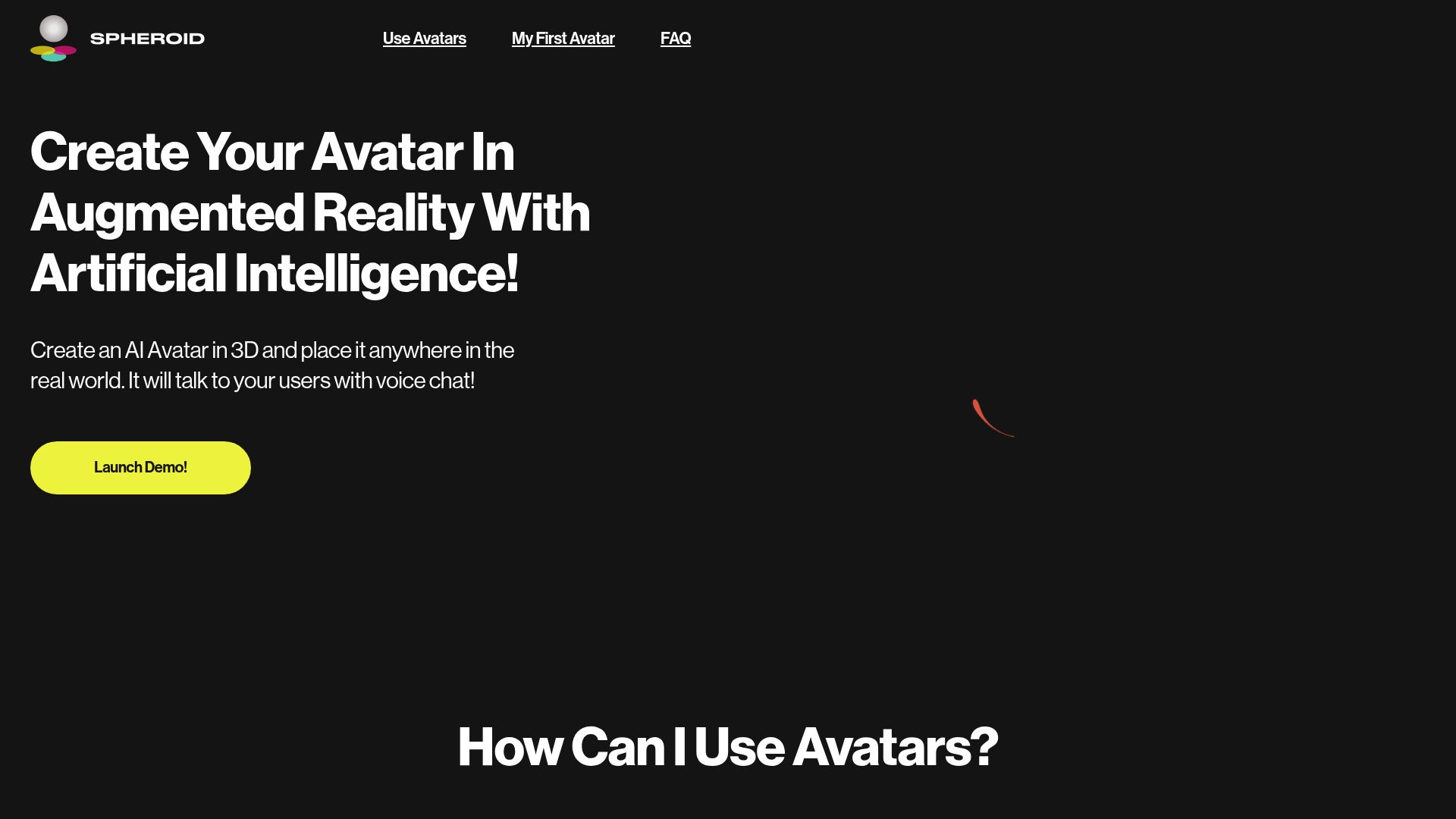
Spheroid AI Avatars pros:
- Ease of Creation: Create your AI Avatar in just 5 minutes with a user-friendly interface.
- Augmented Reality Integration: Place your Avatar in any real-world location using AR technology.


Sphere pros:
- Cost-effective solution
- No need for contractors
Sphere cons:
- Requires smartphone for scanning
- Limited to physical spaces


LGM 3D, or Large Multi-View Gaussian Model, is an innovative framework tailored for creating high-resolution 3D content. It stands out by efficiently generating intricately detailed 3D models from simple text prompts or single-view images. The key to its effectiveness lies in the utilization of multi-view Gaussian features, combined with an asymmetric U-Net backbone that ensures rapid processing of multi-view images. With the capability to produce high-fidelity 3D objects in under five seconds and an impressive training resolution of 512, LGM 3D represents a significant leap forward in 3D model generation. It successfully balances speed and quality, making it a notable advancement in the realm of digital content creation.


Llmpeople pros:
- Allows users to explore and manipulate 3D models
- Enables deeper understanding of intricate details, textures, and dimensions
Llmpeople is an innovative web platform designed for an engaging interaction with 3D models. Leveraging the OpenAI API, it allows users to explore these models in a highly dynamic way, enhancing their understanding of intricate details, textures, and dimensions. Users can seamlessly rotate, zoom, and manipulate models from various angles, providing a comprehensive view that enhances learning and enjoyment. Committed to user experience, Llmpeople prioritizes responsiveness and interactivity, creating a smooth exploration process. Additionally, the platform adheres to strict data processing policies, ensuring compliance with privacy regulations while offering a captivating environment for both educational and recreational activities.


Verticle pros:
- Verticle is a Generative 3D platform that empowers users to create assets for games and computer graphics (CG).
- It introduces a novel approach to generating 3D assets by incorporating AI co-authorship, revolutionizing the asset creation process.
Verticle is an innovative platform designed to transform the way 3D assets are created for games and computer graphics. By leveraging a conversational interface and AI co-authorship, it allows users, regardless of their technical expertise, to easily generate high-quality 3D models. This user-friendly approach fosters a collaborative environment, enabling creators to engage with the AI in a dynamic way, thereby streamlining the asset creation process. Verticle aims to democratize the realms of game development and computer graphics, opening doors for a more diverse range of creators and enhancing community engagement. With its focus on exploration and experimentation, Verticle enhances productivity while ensuring that the process remains accessible and enjoyable for everyone involved. Overall, it represents a significant advancement in the generative 3D space, paving the way for new creative possibilities.


Glyf.space pros:
- Creates 3D from SVG
- High-quality visual components
Glyf.space cons:
- Potential misinterpretation of SVG shape
- Non-intuitive customization options


Overview of Vector to 3D
Vector to 3D is an innovative process that transforms 2D vector graphics into three-dimensional models. This technology bridges the gap between flat designs and immersive 3D creations, enabling artists and designers to elevate their visual work into a new dimension. The process typically involves taking vector images—composed of paths and points rather than pixels—and applying various techniques to add depth and volume, effectively creating a 3D representation.
3D model generators leveraging vector graphics simplify the design workflow for creators. They allow users to manipulate shapes, adjust textures, and add colors through user-friendly interfaces, often without needing extensive knowledge of 3D modeling software. By utilizing algorithms and rendering capabilities, these generators can automatically produce detailed models based on the input vector art.
The conversion process can be particularly beneficial for branding, gaming, and animation, where precision and adaptability of the design are crucial. By offering tools that convert flat designs into interactive 3D objects, Vector to 3D technologies open up new possibilities for visual storytelling and user engagement, ensuring that creative visions are realized in a more dynamic format.


Goodhues pros:
- Realistic 3D modeling
- Customizable design options
Goodhues cons:
- No API offered
- No mobile application


VSDECO pros:
- Photorealistic rendering
- Transforms photos, sketches, drawings
VSDECO cons:
- Limited to interior design
- Potentially complex for beginners
VSDECO Pricing
Paid plans start at $29/month and include:
- 35 renders per month
- 35 images per month
- All room types and styles
- No watermark
Related Categories
- 3D Model Generators
- AI Portrait Generators
- Art Generators
- Avatar Makers
- Background removers
- Character Chat Tools
- Deepfake Makers
- Design Generators
- Drawing Generators
- Headshot generators
- Image Enhancer & Upscalers
- Image Generators
- Infographics Tools
- Interior Design Tools
- Outfit Generators
- Photo Editors
- Photographers Tools
- Product Design Tools
- Story Generators
- Text To Image Tools