AI Creative Tools
Discover top AI tools that enhance creativity in writing, art, music, and design.

Creativity in the digital age is undergoing a transformation, with AI stepping in as a powerful ally. From generating stunning visuals to composing music, AI creative tools are making the artistic process more accessible and exciting than ever. But with an influx of options, it can be overwhelming to find the right fit for your creative needs.
The landscape has shifted dramatically in recent years. No longer relegated to niche applications, AI tools are now seamlessly merging into everyday creative workflows. These innovative technologies can enhance your projects, save time, and even push you toward unexplored artistic avenues.
I’ve spent significant time diving into the world of AI creative tools, exploring everything from graphic design applications to music composition software. As someone who appreciates the blend of technology and creativity, I wanted to share my findings on the best options available today.
Whether you're looking to craft eye-catching visuals or brainstorm unique concepts, there's a tool tailored just for you. Join me as we explore the best AI creative tools that can elevate your artistic projects and redefine your creative process.
The best AI Creative Tools
-
181. Fantasy Ai for customizable avatars for artistic projects
-
182. Homedesignsai for visualize and experiment with design styles.
-
183. ImageColorizer for enhance artistic photo projects
-
184. CGDream for art creation and style transformation
-
185. ImagetoCartoon for transforming photos into cartoon art.
-
186. The New Black for streamline your design workflow effortlessly.
-
187. ModelsLab for crafting unique visuals for campaigns
-
188. Photo AI for design unique outfits with ai fashion tools.
-
189. Unstable Diffusion for imaginative concept visualization
-
190. Designs AI for design unique graphics effortlessly.
-
191. Phot Ai for transforming ideas into stunning vector art
-
192. Fooocus for versatile image editing
-
193. Text To Handwriting for crafting custom invitations and cards
-
194. SoulFun for custom ai character creation tools
-
195. Isamur for dynamic video face swapping effects
1517 Listings in AI Creative Tools Available


Fantasy Ai pros:
- Cloud-based image generation
- High-resolution imagery
Fantasy Ai cons:
- No API
- Registration required
Fantasy.ai stands out in the realm of AI creative tools by offering users a uniquely interactive experience with AI personas. This platform is designed not just for creativity but for personalized engagement, allowing users to craft AI avatars that reflect a wide array of personality traits. It's more than a static tool; it becomes a companion for creative exploration.
With its cloud-based image generation capabilities, Fantasy.ai ensures that users can produce high-resolution images quickly and efficiently. The emphasis on user privacy is commendable, allowing creators to focus on their art without concerns about data safety. This feature is particularly appealing for those seeking a secure creative space.
Registration on Fantasy.ai is entirely free, making it accessible for everyone, whether you're a seasoned creator or just starting out. The platform offers a free trial without the need for payment details, ensuring that user privacy is upheld while still providing a no-risk opportunity to explore its offerings.
Creators have the chance to earn from their unique avatars and can participate in an affiliate revenue program. This dual opportunity empowers users to not only create but also monetize their creative efforts, adding an exciting dimension to the platform.
Overall, Fantasy.ai excels as a top-tier creative tool, combining innovation with a strong focus on user experience. Its versatility and rewards program make it an excellent choice for anyone looking to delve into the world of AI-enhanced creativity.


Homedesignsai pros:
- Streamlines the process and saves time and money by providing access to an unlimited number of redesign and decoration ideas through AI technology
- Cost-effective solution for personal and professional use
Homedesignsai cons:
- No specific cons or missing features were identified in the information provided.
- No specific cons or missing features mentioned in the document
Homedesignsai Pricing
Paid plans start at $29/month and include:
- 100 Designs / month
- No Downloads
- Public gallery
- Personal License
- Some Styles Limited
- No Custom Dashboard


ImageColorizer pros:
- ImageColorizer is an AI-driven tool specializing in restoring old and black and white photos
- The platform offers various tools such as colorization, restoration, enhancement, retouching, repair, and cleanup for old photos
ImageColorizer cons:
- Enhance option needs tweaking
- Accuracy improvement needed
ImageColorizer Pricing
Paid plans start at $9/month and include:
- Upload photos up to 4000px dimension
- 5 image for each uploading
- All AI features
- 24*7 Email Support
- Auto Renewal
- Save 36%


CGDream pros:
- Ease of Use: Dive into image creation without getting lost in complicated options or needing to write lengthy prompts.
- Filters: Unleash creativity and fine-tune images with simple-to-apply filters.
CGDream cons:
- Limited features in the free plan compared to premium users
- NSFW content creation only available for Premium users
CGDream is an innovative creative tool designed to empower users in transforming their ideas into stunning visual content. By seamlessly combining artificial intelligence with 3D modeling, CGDream enables users to generate images from text prompts, utilize existing images, and manipulate 3D models. Its diverse features include customizable filters, image upscaling, image-to-image transformation, and style transfer, making it versatile for various creative projects. Users can also enhance their experience with DreamUp, a feature that helps refine prompts and produce visually striking results. Catering to everyone from novices to seasoned professionals, CGDream offers a range of customization options and premium features that enhance image quality, ensuring that all users can achieve their artistic visions.


ImagetoCartoon pros:
- Cutting-edge website for transforming photos into cartoon avatars
- Powerful 2D and 3D cartoon character maker available
ImagetoCartoon cons:
- Limited to 5 images per month for free
- No information on advanced customization options for cartoon avatars
ImagetoCartoon stands out in the realm of creative tools by transforming ordinary photographs into delightful cartoon avatars. This innovative platform utilizes advanced technology to provide users with the ability to craft unique 2D and 3D representations of themselves or others, tailored to their personal touch.
With customizable features such as facial traits, hairstyles, clothing, and accessories, users can create avatars that truly reflect their individual styles. This flexibility makes it an ideal tool not only for personal use but also for businesses aiming to strengthen their brand identity through captivating cartoon logos and mascots.
The user-friendly interface ensures that anyone, regardless of artistic skills, can easily navigate the design process. Whether you’re looking to create professional-looking avatars for marketing purposes or fun images for social sharing, ImagetoCartoon simplifies the experience.
Additionally, users have ample opportunities to showcase their creations. Sharing on social media or integrating avatars into marketing material becomes a breeze, enabling creativity to flourish in various formats. ImagetoCartoon successfully bridges the gap between creativity and accessibility, making it a standout choice for anyone looking to add a whimsical touch to their digital presence.


The New Black pros:
- Accelerates design process
- Variety of clothing types
The New Black cons:
- No offline mode available
- Limited clothing type options


ModelsLab pros:
- AI-Driven Image Generation: No need for advanced hardware to generate images with AI.
- Custom Model Training: Ability to train models with personal data for tailored image production.
ModelsLab cons:
- Limited number of API calls for lower-tier plans (3,250 or 10,000 API calls)
- Limits on requests per second for lower-tier plans (5 or 10 requests per second)
ModelsLab is a cutting-edge platform that offers exceptional image generation APIs tailored for businesses and developers. Focused on enabling quick and cost-effective creation of high-quality images, ModelsLab harnesses the power of AI to simplify the process, eliminating the need for advanced hardware. The platform features a range of functionalities, including custom model training and various API services such as text-to-image conversion, voice cloning, and chatbots. With a commitment to reliability, ModelsLab boasts an impressive 99.99% uptime, supported by dedicated servers. Additionally, users can tap into a rich library of over 1000 pre-trained models, catering to diverse image generation requirements. Whether you're looking to enhance your applications or streamline your creative projects, ModelsLab provides a robust solution for all your image generation needs.
ModelsLab Pricing
Paid plans start at $27/month and include:
- API calls: 3,250
- Request per second: 5


Photo AI pros:
- Photorealistic AI Characters: Transform selfies into lifelike AI avatars with ease.
- Versatile AI Photos: Capture AI-generated images in any pose location or action.
Photo AI cons:
- Sometimes AI artefacts may appear in the generated photos
- Quality of the generated photos may vary depending on the uploaded photos
Photo AI is a cutting-edge platform that leverages artificial intelligence to transform your selfies into stunning, photorealistic images. Users can effortlessly generate unique characters, explore different poses, and navigate diverse settings—all without the need for conventional photographic equipment. The platform features engaging themed photo packs such as AI Yearbook and Naughty Halloween, catering to various creative interests. Additionally, users can take advantage of the virtual try-on feature, which allows them to experiment with different outfits and hairstyles, as well as the innovative Sketch2Image™ tool for designing original fashion concepts. With its intuitive interface, Photo AI is ideal for everyone from fashion aficionados to content creators looking to push the boundaries of traditional photography.

Unstable Diffusion pros:
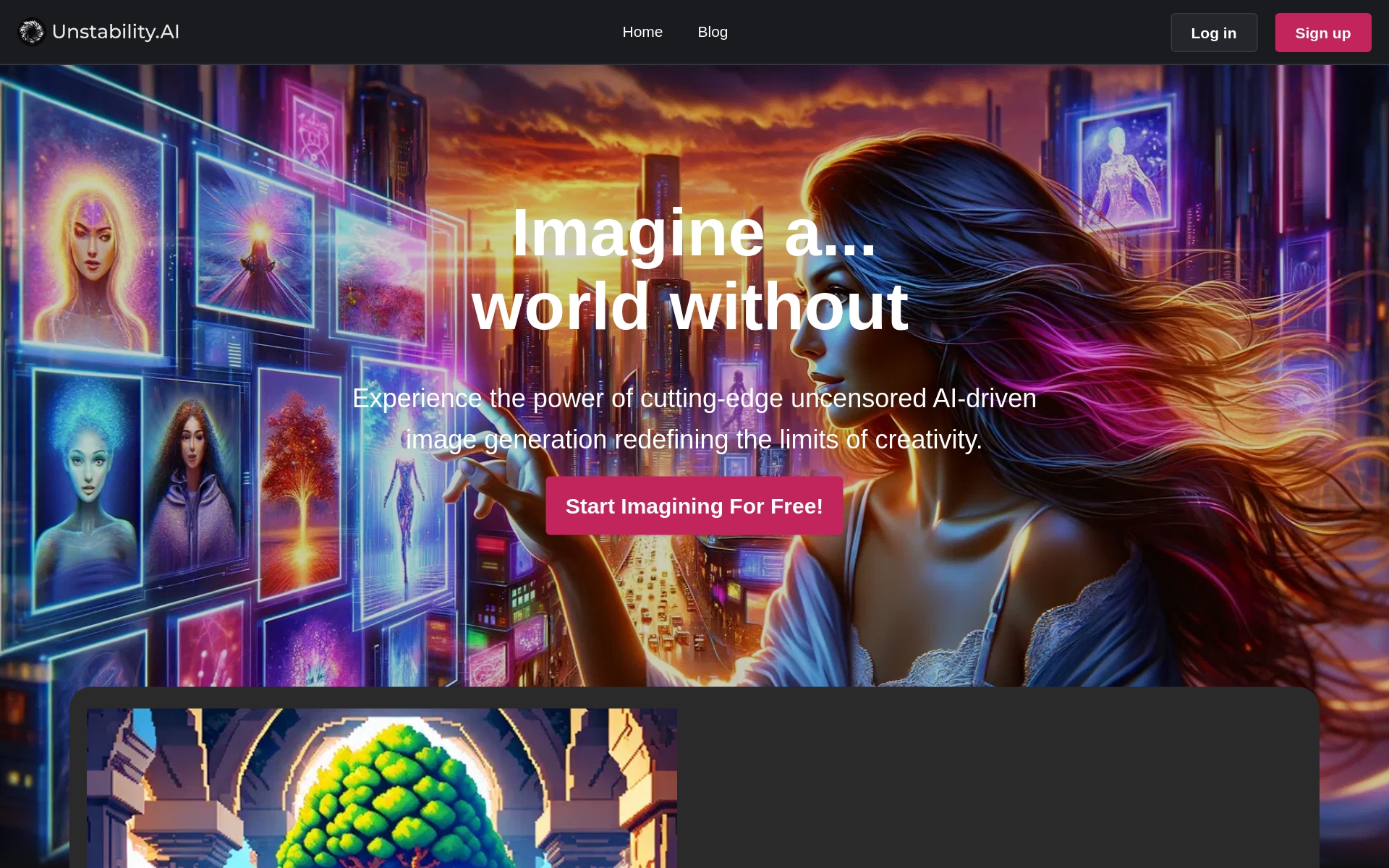
- Vibrant Interface: The website boasts a dynamic pink color scheme, creating an inviting and engaging user interface.
- Adaptive Design: Unstable Diffusion ensures a consistent and accessible experience across all devices with responsive design.


Designs AI pros:
- Automatic Generation
- Save Time
Designs AI cons:
- No specific cons or missing features mentioned in the document


Phot Ai pros:
- Free background removal
- Object detection and segmentation
Phot Ai cons:
- Lacks batch processing
- Might require high-speed internet


Fooocus pros:
- Transforms ideas into images
- Advanced image generation
Fooocus cons:
- No mobile version
- Poor multi-prompt integration


Text To Handwriting pros:
- Free online tool
- Different handwriting styles
Text To Handwriting cons:
- Only supports image download
- Ink color choices are limited
The Text To Handwriting Converter stands out as an innovative tool in the Best AI Creative Tools category. It allows users to transform typed text into stylized handwritten images, delivering a charming, personalized touch that mimics human handwriting. This capability adds an element of warmth to digital messages, making it ideal for personal notes, invitations, or any communication that benefits from a handwritten aesthetic.
Customization is a key feature of this tool. Users have the freedom to choose various handwriting styles, sizes, and ink colors, ensuring that the output aligns perfectly with their preferences or specific requirements. This level of detail enables creators to craft visually appealing documents that resonate more deeply with recipients.
Accessibility is another advantage of the Text To Handwriting Converter. Being entirely online means there's no need for downloads or installations, which makes it user-friendly and convenient for those working on different devices or on the go. Whether for school projects or creative assignments, this tool can make the task more engaging and enjoyable.
While it does not include a plagiarism remover, it wisely points users toward external resources for ensuring content uniqueness. This feature can be particularly beneficial for students or professionals looking to combine creativity with originality. Overall, the Text To Handwriting Converter is an excellent option for anyone wanting to elevate their digital text with a distinctive handwritten flair.


SoulFun pros:
- The AI characters' eloquence and storytelling abilities make every conversation a joy to be a part of.
- The app provides a great way to unwind and engage with virtual characters who feel like girlfriends.
SoulFun cons:
- The chat history gets deleted
- May prioritize profit over value for users without financial means
SoulFun is an innovative AI chat app designed to immerse users in engaging conversations with customizable AI characters. This app stands out by allowing users to create lifelike avatars that come with unique personalities and stories, enhancing the chat experience. With SoulFun, users can explore a variety of simulated real-life chat scenarios, making interactions feel both authentic and entertaining.
One of the app's most exciting features is the ability to request photos and enjoy voice calls with AI characters. This adds another layer of interaction, giving users a sense of connection with their digital companions. The combination of visual elements and voice interaction contributes significantly to the immersive nature of the SoulFun experience.
The customization options available in SoulFun allow users to tailor their AI characters to reflect personal preferences and interests. Whether you want a character that’s whimsical or serious, the flexibility of design ensures that your experience is uniquely yours. This endless variety makes it appealing for those who wish to escape into a world of creativity and imagination.
In essence, SoulFun is more than just a chat app; it’s a canvas for users to explore their creativity while forging connections. By bridging the gap between artificial intelligence and human interaction, SoulFun offers a fresh and inventive way to engage with AI technology. For anyone looking to push the boundaries of creative expression, this app is definitely worth exploring.


Isamur pros:
- Face swapping in lengthy videos
- High-resolution support
Isamur cons:
- Limited image and video credits
- High resolution only in expensive plans
Isamur Pricing
Paid plans start at $9.99/month and include:
- Unlimited video length swapping
- Face enhancement tool
- Realistic Speech-to-text conversion
- Multilingual text-to-speech tool
- Seamless text and multimedia conversion
- Effortless image editing
Related Categories
- 3D Model Generators
- AI Portrait Generators
- Art Generators
- Avatar Makers
- Background removers
- Character Chat Tools
- Deepfake Makers
- Design Generators
- Drawing Generators
- Headshot generators
- Image Enhancer & Upscalers
- Image Generators
- Infographics Tools
- Interior Design Tools
- Outfit Generators
- Photo Editors
- Photographers Tools
- Product Design Tools
- Story Generators
- Text To Image Tools