AI Productivity Tools
Discover top AI tools that boost productivity and streamline your tasks efficiently.

In today's fast-paced world, staying productive can sometimes feel like an uphill battle. With endless to-do lists, constant notifications, and distractions lurking around every corner, finding the right tools to help you manage your time effectively has never been more crucial. Enter AI productivity tools—designed to streamline your workflows, automate mundane tasks, and keep you organized.
Over the past few years, these intelligent solutions have made significant strides, evolving from simple task managers to comprehensive systems that adapt to your needs. Whether you're striving to optimize your daily schedule, improve team collaboration, or tackle that overwhelming inbox, the right AI tools can make all the difference.
In my exploration of the best AI productivity tools on the market, I've tested various applications that promise to enhance your efficiency and focus. From smart schedulers to innovative project management systems, there’s a wealth of options available to help reclaim your time.
So, if you're eager to elevate your productivity game and make the most out of your workday, look no further. Here’s a curated list of standout AI productivity tools that are worth your attention. Let’s dive into the world of smarter work management together!
The best AI Productivity Tools
-
391. Everbility for streamline team collaborations
-
392. Lutra AI for automate google workspace tasks seamlessly.
-
393. Agent.so for boost team efficiency effortlessly
-
394. InfiHeal for procrastination reduction strategies
-
395. Unionai for streamlined team collaboration workflows
-
396. Wren AI for streamlining data access for teams
-
397. Sidekick Ai for streamlining team meeting arrangements.
-
398. Airparser for streamline invoice processing effortlessly.
-
399. Adam.ai for enhancing meeting efficiency
-
400. Mixpeek for streamline document organization and retrieval.
-
401. Super.ai for task automation for efficient workflows
-
402. GetOData for streamlining data collection for tasks.
-
403. Read AI for real-time meeting effectiveness analysis
-
404. MindForest App for boosts daily task organization and tracking.
-
405. Liner.ai for automating report generation for teams.
1519 Listings in AI Productivity Tools Available


Everbility pros:
- Compliant with Australian Privacy Principles and Privacy Act 1988 (Cth)
- End-to-end encryption of notes and templates


Lutra AI pros:
- Easy workflow customization
- App-friendly design
Lutra AI cons:
- Unclear pricing plans
- Heavy reliance on user feedback


Agent.so pros:
- Crafted in the EU with privacy protection
- AI trusted by millions of humans
Agent.so cons:
- No specific cons or missing features were mentioned in the provided documents for Agent.so.


InfiHeal pros:
- 24/7 accessibility
- Complete emotional health support
InfiHeal cons:
- Expensive premium features
- Long text-based testing


Unionai pros:
- Cut pipeline cost by 90%
- Efficient workflows with caching
Unionai cons:
- Might require Kubernetes familiarity
- Lacks individual usage case studies
Unionai Pricing
Paid plans start at $500/month and include:
- Optimized and expanded Flyte
- Scalable serverless environment
- Pay only for consumed resources
- Purchase on AWS or GCP marketplace
- Standard bring-your-own-cloud (BYOC) deployment
- Custom (w/ committed use discounts)


Wren AI pros:
- Integrates with LLM models
- Harmonizes data information
Wren AI cons:
- No built-in data visualization
- Relies heavily on metadata
WrenAI serves as an innovative productivity tool designed to streamline data management and enhance the way users interact with information. This artificial intelligence data assistant excels in integrating and harmonizing data across large language models and various databases, ensuring that users can easily navigate and understand their data landscape. By aligning schemas, structures, and metadata to the specific context of a business, WrenAI elevates data accuracy and comprehension.
One of its standout features is the ability to perform no-SQL querying, which allows users to retrieve insights without needing to master complex SQL commands. WrenAI also takes care of metadata management and guarantees secure data transmission, providing confidence in data privacy. Additionally, it delivers results that are not only insightful but also explainable, making it easier for users to grasp the data’s implications. Compatible with a wide array of data sources, WrenAI integrates effortlessly with popular databases, data warehouses, and analytics tools, making it a valuable asset for any organization looking to enhance productivity through smarter data use.


Sidekick Ai pros:
- Smart AI Communication: Simplifies scheduling via email mobile and web application.
- Individual and Team Pages: Offers users the ability to create personalized scheduling pages for themselves or their teams.
Sidekick Ai cons:
- Full white-label feature is not available, only the ability to remove Sidekick Ai branding with a paid feature
- Limited integrations with email providers (Gmail, Outlook, Thunderbird) compared to some competitors
Sidekick Ai is an innovative scheduling tool designed to enhance productivity by simplifying the process of organizing meetings. With its AI-driven functionalities, users can easily manage appointments through email, mobile, or web applications. Key features include personalized scheduling pages, the capability to seamlessly forward emails for automatic appointment setup, and real-time synchronization with other users, ensuring everyone stays in the loop. Sidekick Ai also integrates with widely-used platforms like Microsoft Teams and Google Calendar, providing users with reminders, automatic calendar entries, and invitations to streamline the entire meeting planning process. By focusing on intelligent scheduling methods and introducing its unique Forward to Schedule feature, Sidekick Ai stands out as a valuable resource for those looking to optimize their time management and productivity.


Airparser pros:
- Swift data extraction with the GPT engine
- Seamlessly extract data from scanned documents, images, and handwritten notes
Airparser cons:
- No cons were identified in the provided documents.
Airparser Pricing
Paid plans start at $33/month and include:
- 100 credits per month
- 30 days documents retention
- OCR support: parse images, scanned documents, and handwritten texts
- New: GPT Vision engine


Adam.ai pros:
- SOC2 compliant and respects privacy
- Integrates with existing tools
Adam.ai cons:
- No specific cons or missing features mentioned in the document.
- No specific cons or missing features were identified in the documents regarding the use of adam.ai.


Mixpeek pros:
- Efficient file search capabilities
- Seamless integration with existing software
Mixpeek cons:
- No specific cons of using Mixpeek were listed in the provided documents.
- No explicit list of cons or missing features provided in the document.


Super.ai is an innovative platform dedicated to enhancing productivity in the workplace through the use of artificial intelligence and automation. It offers a variety of solutions designed to tackle common tasks such as data entry, document processing, and customer support. By automating these repetitive activities, Super.ai allows businesses to streamline their workflows, significantly reduce manual effort, and allocate resources more effectively. This enables employees to concentrate on more meaningful projects and strategic decision-making. With its range of advanced AI tools, Super.ai aims to improve operational efficiency, helping organizations to thrive in a competitive landscape.

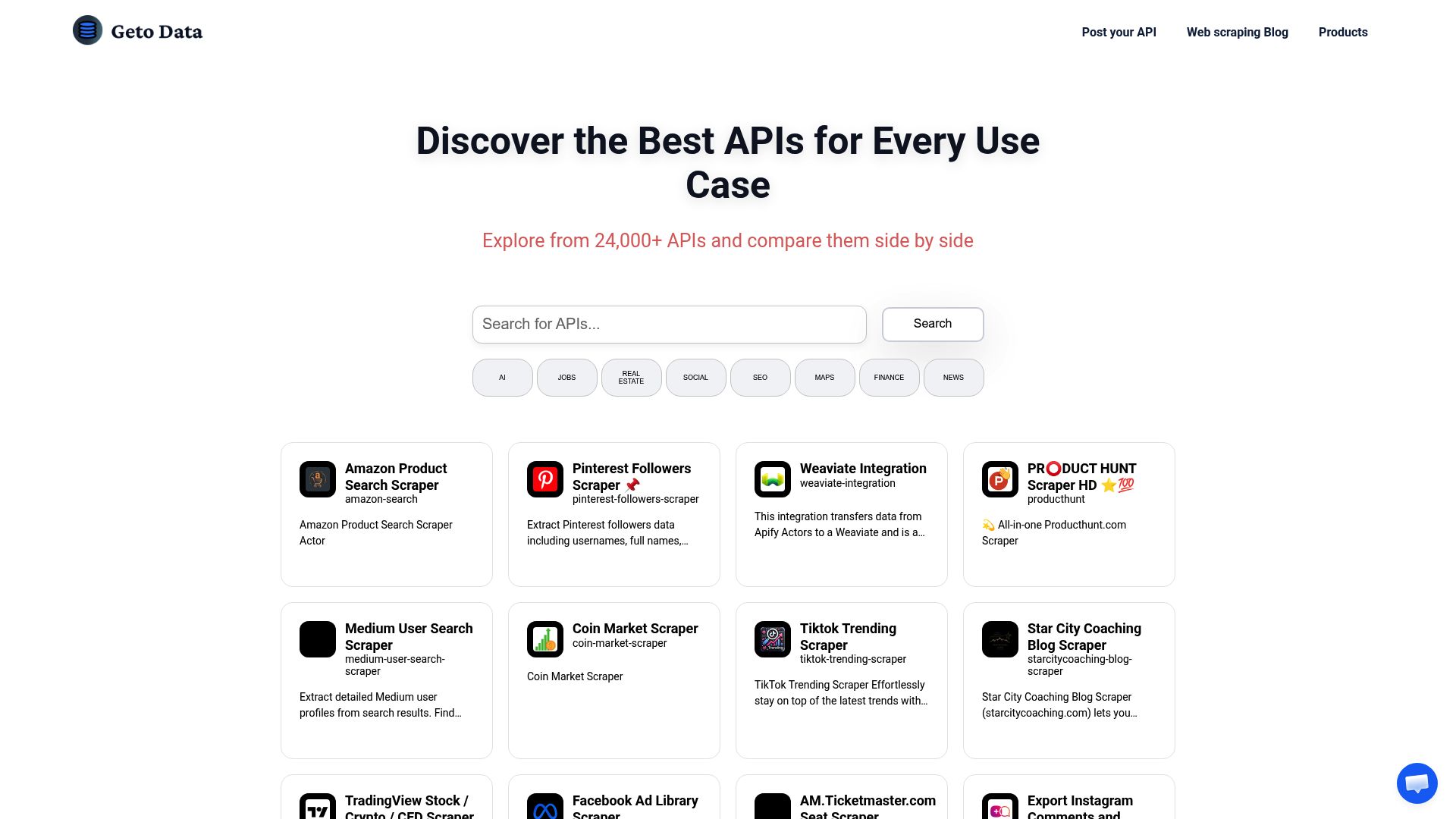
GetOData pros:
- Users can easily extract data in multiple formats
- Ability to customize data points for extraction
GetOData cons:
- Details regarding exact functionality or specific numbers are not mentioned in the description
GetOData Pricing
Paid plans start at $29/Month and include:
- 20 Concurrent Requests
- Super Antibot Bypass
- Javascript Rendering
- Rotating Proxies
- Dedicated Support
- Startup Plan


Read AI pros:
- Personalized speaker coaching
- Customized coaching metrics
Read AI cons:
- Depends on user's Zoom usage
- Limited to meeting environment


MindForest App pros:
- Psychology-infused design
- Targeted insights
MindForest App cons:
- No team development features
- Data privacy concerns


Liner.ai pros:
- No GPU required
- Models are optimized for fast training on CPUs