AI Productivity Tools
Discover top AI tools that boost productivity and streamline your tasks efficiently.

In today's fast-paced world, staying productive can sometimes feel like an uphill battle. With endless to-do lists, constant notifications, and distractions lurking around every corner, finding the right tools to help you manage your time effectively has never been more crucial. Enter AI productivity tools—designed to streamline your workflows, automate mundane tasks, and keep you organized.
Over the past few years, these intelligent solutions have made significant strides, evolving from simple task managers to comprehensive systems that adapt to your needs. Whether you're striving to optimize your daily schedule, improve team collaboration, or tackle that overwhelming inbox, the right AI tools can make all the difference.
In my exploration of the best AI productivity tools on the market, I've tested various applications that promise to enhance your efficiency and focus. From smart schedulers to innovative project management systems, there’s a wealth of options available to help reclaim your time.
So, if you're eager to elevate your productivity game and make the most out of your workday, look no further. Here’s a curated list of standout AI productivity tools that are worth your attention. Let’s dive into the world of smarter work management together!
The best AI Productivity Tools
-
976. Product Manager OS for efficient workload management for teams
-
977. Ai-Pt for efficient workout scheduling for busy users.
-
978. Vidura for ai prompt management tool
-
979. Agent Herbie for task automation for streamlined workflows
-
980. Call An Ai for smart scheduling assistant for meetings
-
981. Decision Mentor for streamline decision-making for efficiency.
-
982. LEGOAI for ai-driven project management
-
983. Arc53 for streamlining task management workflows.
-
984. Shimoku for optimizes team workflow efficiency
-
985. Struct Chat for streamlined team collaboration insights
-
986. Illusion AI for smart task prioritization assistant
-
987. OpenDoc AI for streamline team workflows efficiently
-
988. Deepwander for boost focus through structured reflection
-
989. Kaba for personalized task management insights.
-
990. Zero Inbox AI for streamlining email management tasks.
1519 Listings in AI Productivity Tools Available


Product Manager OS pros:
- Generates product requirements
- Free instructional video
Product Manager OS cons:
- Doesn't integrate with other tools
- No multi-user collaboration
Overview of Product Manager OS
Product Manager OS is a specialized toolkit crafted for product managers seeking to elevate their careers through the power of AI. This comprehensive platform streamlines the process of generating product requirements and managing workloads, enabling professionals to save time and enhance productivity.
With features like strategy templates, tools for competitor analysis, resources for go-to-market planning, and support for customer discovery, Product Manager OS equips users with the essential tools needed for success. Its A/B testing frameworks further empower product managers to refine their offerings effectively.
Users benefit from ongoing access to the platform, which includes regular updates at a budget-friendly price. Complementing its practical tools are explainer videos that demystify key concepts, offering insights into best practices across various aspects of product management. By focusing on strategy and collaboration, Product Manager OS ultimately helps product managers maximize their efficiency and effectiveness in the fast-paced world of product development.
Product Manager OS Pricing
Paid plans start at $129/one-time and include:
- Complete access to the dashboard
- 20+ systems
- Explainer videos for each module
- Lifetime access to updates
- Structured step-by-step guidance
- Customizable workspace


Ai-Pt pros:
- Personalised workouts at your fingertips
- No need for a personal trainer
Ai-Pt cons:
- Limited body part focus in the free plan
- Limited equipment selection in the free plan
AI-PT is an innovative workout generator designed to enhance your fitness routine by leveraging the power of artificial intelligence. This tool allows users to create customized workout plans that align with their specific body focus and available time. Ideal for those who don’t have a personal trainer, AI-PT offers the convenience of scheduling workouts for future sessions and storing them in a personal library for easy retrieval.
With both free and premium subscription options, AI-PT caters to a wide range of users. The free plan grants access to basic features, while the premium plan unlocks advanced functionalities, including unlimited workout storage and targeted workout options for different muscle groups. Additionally, users can share their personalized workouts with friends, making AI-PT a versatile and social fitness solution. Whether you're a beginner or a seasoned fitness enthusiast, AI-PT empowers you to take control of your workout journey with ease and flexibility.
Ai-Pt Pricing
Paid plans start at GBP£7/month and include:
- Store unlimited workouts in your library
- Advanced body part focus
- Advanced equipment selection
- Share workouts with friends


Vidura pros:
- Manage prompts for multiple systems
- Text-to-speech, text-to-music support
Vidura cons:
- Limited to text-related prompts
- No offline mode

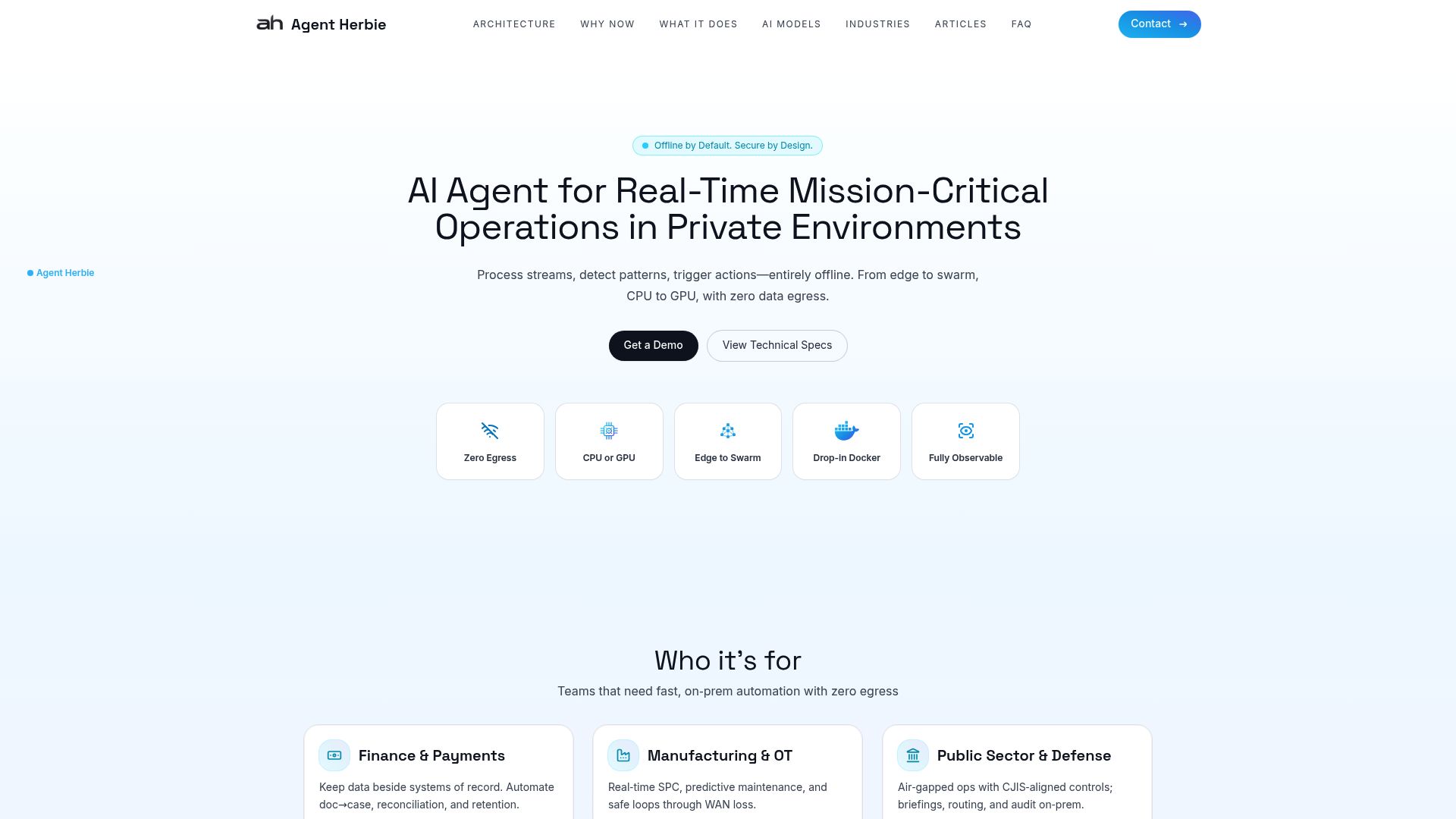
Agent Herbie pros:
- Productivity multiplier
- Task automation
Agent Herbie cons:
- Email-only interaction
- No mention of security
Agent Herbie Pricing
Paid plans start at $59/month and include:
- Up to 15 reports
- Max 24 distinct data sources per report
- Max 10 private attachments per report
- Enhanced data de-duplication and validation
- Access reports' underlying research data in tabular format
- Priority support


Call An Ai pros:
- 24/7 accessibility
- Multi-functional bots
Call An Ai cons:
- Unavailable offline
- No desktop application
Call An Ai Pricing
Paid plans start at $0.15/minute and include:
- 24/7 accessibility
- Multi-functional bots
- Automates typical tasks
- Post-call transcripts
- Audio recording available
- Design your own bot


Decision Mentor pros:
- AI-Driven Guidance: Utilize intelligent assistance to navigate through complex decision-making processes.
- Criteria-Based Evaluation: Identify and prioritize critical factors to make informed decisions.
Decision Mentor cons:
- Limited AI mentor daily chat limit (up to 30)
- Restriction on the number of private decisions (e.g., 30 for teams, unlimited for enterprise)


LEGOAI pros:
- Entity-centric data models
- Utilizes data federation technology
LEGOAI cons:
- Lacks scalability features
- No clear privacy policy


Arc53 pros:
- Efficient extraction of information from different types of documents
- User-friendly interface for selecting documentation and entering queries
Arc53 cons:
- Currently no cons or missing features are mentioned in the document.
- No specific cons or missing features were mentioned in the document.


Shimoku pros:
- Custom data product creation
- Predictive analytics products
Shimoku cons:
- Requires Python knowledge
- Difficulty with non-tabular data


Struct Chat pros:
- Generative AI for quick generation of titles, summaries, and status
- Vector Search for enhanced search functionality using vector embeddings
Struct Chat cons:
- Accessing chat history requires per-user fees
- None of the knowledge is publicly accessible
Struct Chat is a cutting-edge communication platform designed specifically to enhance team collaboration and productivity. With features such as real-time messaging, thread-based discussions, and an intuitive feed for browsing conversations, Struct Chat transforms how teams interact. Its unique capability to capture and organize shared information allows users to create a searchable knowledge base, making it easier to reference past conversations.
The platform leverages advanced AI functionalities, including generative AI for contextual insights and vector search for improved information retrieval. Struct Chat also prioritizes user accessibility with transparent pricing structures, making it suitable for organizations of all sizes. By streamlining communication and ensuring that vital knowledge is easily accessible, Struct Chat empowers teams to work more efficiently and effectively.
Struct Chat Pricing
Paid plans start at $29.95/month and include:
- 500K tokens included in base price
- $30 per million tokens used
- Suitable for teams of size 5 to communities of size 100,000
- Reasonable, predictable pricing model
- Ways to tweak GPT usage
- Option to set a limit on monthly charges


Illusion AI pros:
- 1. No-Code Platform: Enables creation without the need for programming skills.
- 2. Generative AI Technology: Powers a broad range of custom tool and application development.


OpenDoc AI pros:
- Chat-based analytics platform
- Accessible data visualization
OpenDoc AI cons:
- Limited to chat-based interface
- May lack advanced analytical features
OpenDoc AI Pricing
Paid plans start at $19/mo and include:
- User-friendly interface
- Chat-based analytics platform
- Accessible data visualization
- Promotes team collaboration
- Suitable for non-technical users
- Automated suggestions, predictions, recommendations


Deepwander pros:
- Deepwander is an innovative platform designed to facilitate interactive self-exploration through the power of artificial intelligence.
- By blending well-established psychological concepts with cutting-edge AI technology, this digital journaling tool enables a heightened level of self-awareness and introspection.
Deepwander is an innovative digital journaling platform that seamlessly integrates psychology and artificial intelligence to enhance self-exploration and personal growth. Designed as a reflective tool, Deepwander invites users to engage deeply with their thoughts and feelings through interactive sessions tailored to their emotional state.
Whether you're feeling overwhelmed, confused, or simply seeking clarity, Deepwander provides a safe and confidential space for introspection. The AI analyzes user responses, generating personalized prompts that encourage deeper thinking and exploration of perspectives. With every session, users receive insightful narratives that distill their reflections, helping them to better understand their emotions and identify actionable steps for improvement.
The platform has garnered positive reviews from users, who appreciate its personal touch and effectiveness in analyzing emotions. Many liken the experience to insightful conversations with a therapist, marking Deepwander as a promising tool for self-discovery and mental well-being. By consistently using Deepwander, individuals can track their progress, gain fresh insights, and cultivate a deeper understanding of themselves, making it a valuable addition to any productivity toolkit focused on personal development.


Kaba pros:
- Hybrid system compatibility
- Private secure experiences
Kaba cons:
- Limited compatibility with hardware
- Potential learning curve
Kaba is an innovative operating system that merges artificial intelligence with a focus on enhancing user productivity and creativity. Whether it boots directly from a disk or operates over existing systems, Kaba adapts to various environments while maintaining a seamless user experience. The platform curates information in a way that aligns with individual preferences, offering a personalized and immersive interface. With privacy and security at its core, Kaba empowers users to take control of their digital interactions, making it an ideal tool for those seeking to improve their efficiency and creative output in both digital and physical spaces.


Zero Inbox AI pros:
- Increases productivity
- Reduces stress
Zero Inbox AI is an innovative email management strategy designed to help users regain control over their inboxes and enhance productivity. Inspired by the principles of email management experts like Merlin Mann and Mark Hurst, this approach emphasizes the importance of processing emails swiftly. By encouraging individuals to respond promptly, delegate tasks when appropriate, and efficiently archive or delete unnecessary messages, Zero Inbox AI aims to maintain an organized and stress-free email environment. Ultimately, this method not only prioritizes important communications but also fosters a systematic way to handle incoming emails, enabling users to achieve a streamlined inbox and reduce the overwhelming nature of email management.