AI Project Management Tools
Discover top AI tools for efficient project management and streamlined collaboration.

Project management has always been a blend of organization, communication, and strategic foresight. Yet, as teams grow more diverse and projects become increasingly complex, keeping everything on track can feel overwhelming. Enter AI—an innovation that's redefining how we manage teams and tasks.
Today’s AI project management tools have moved beyond basic scheduling and reminders. They now offer smart features that can predict delays, automate routine tasks, and streamline communication, turning chaos into clarity. The right tool can optimize workflows and enhance collaboration, ultimately boosting productivity.
I’ve spent weeks evaluating various AI project management platforms to discover which ones truly stand out in this crowded space. Whether you’re managing a small team or juggling multiple large-scale projects, there’s a solution tailored for you.
If you’re ready to transform your project management approach and elevate your team's performance, read on. Here’s a roundup of the best AI project management tools available today.
The best AI Project Management Tools
-
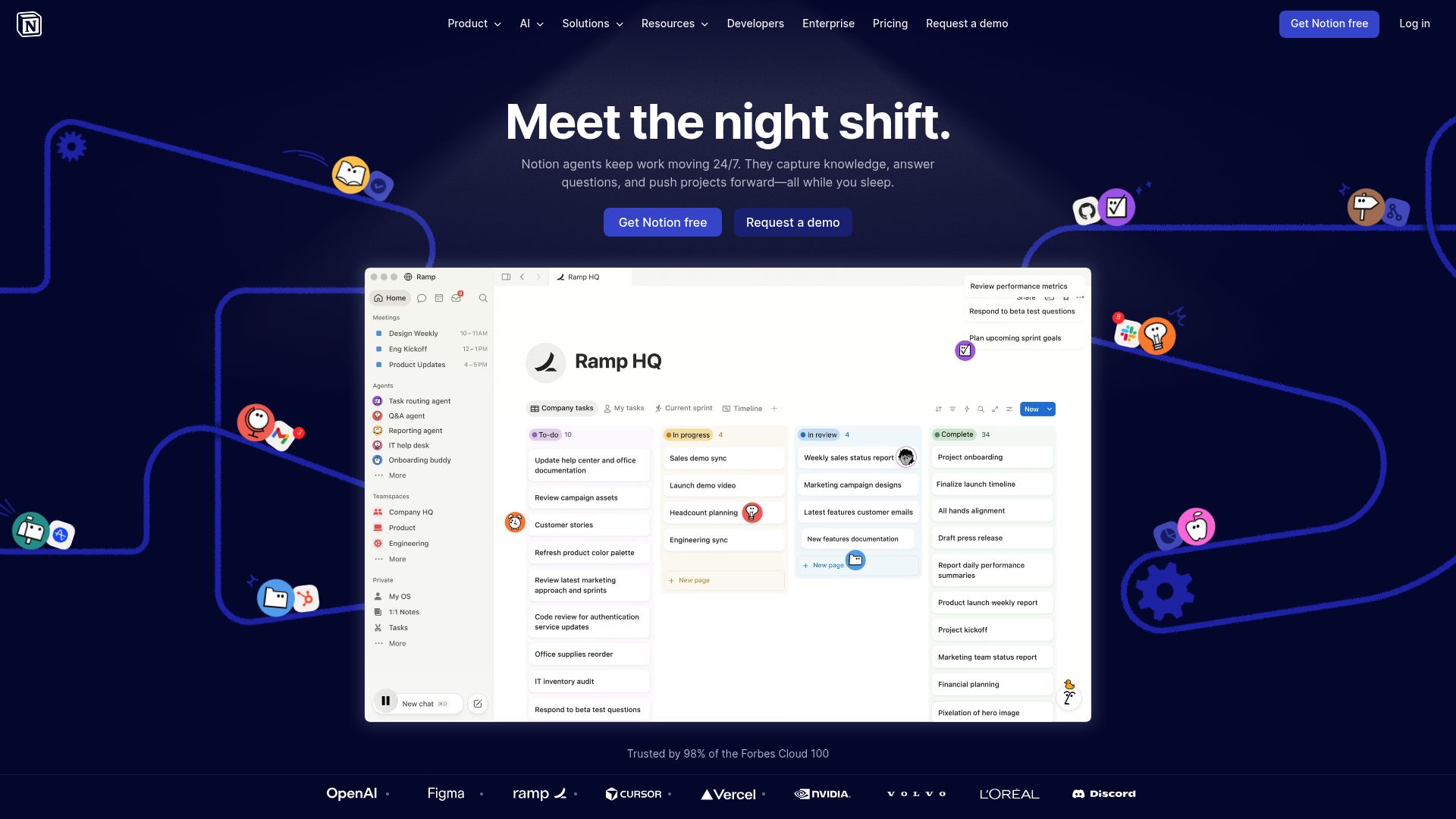
1. Notion for collaborative project tracking dashboard
-
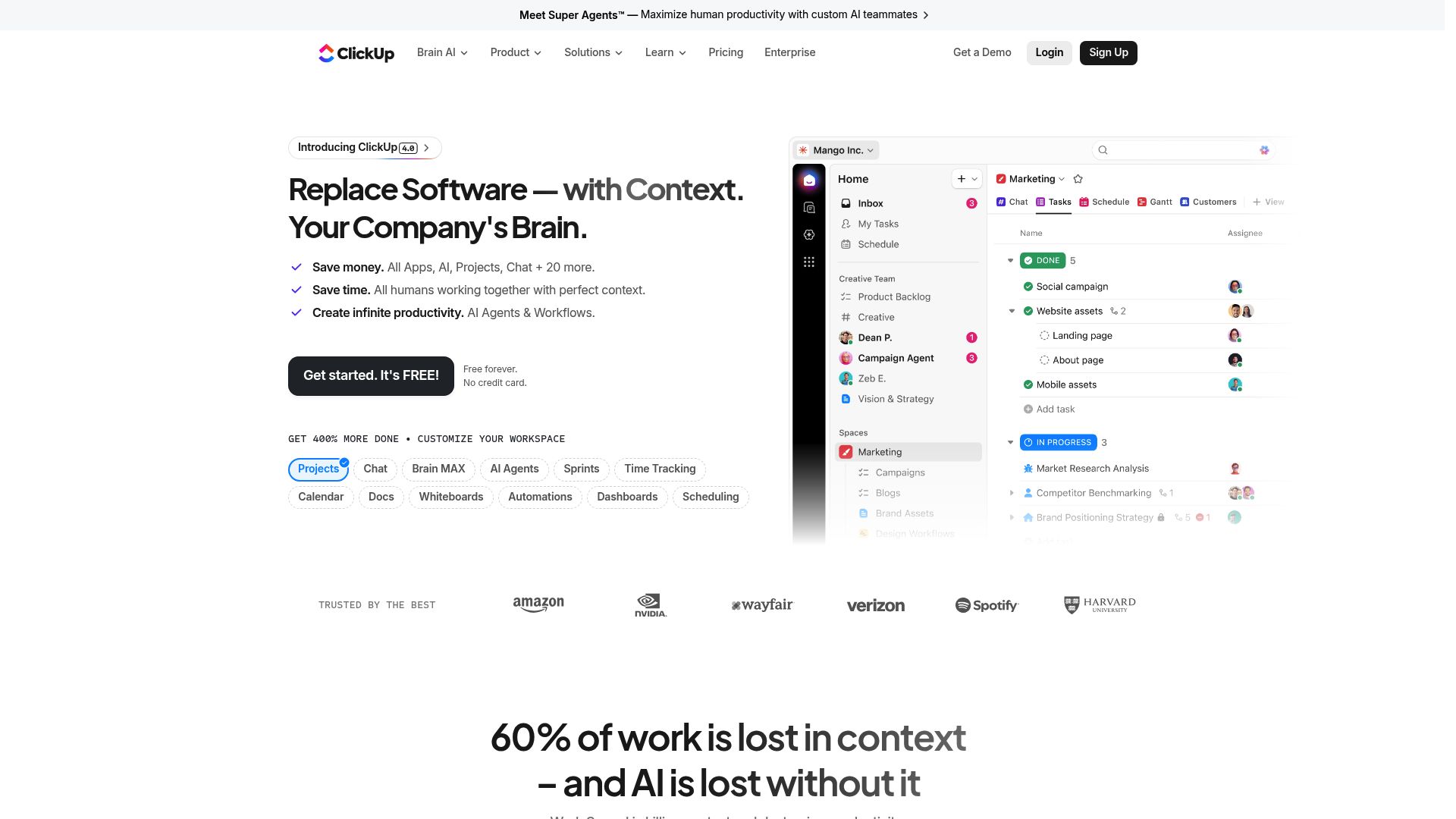
2. Clickup for task tracking and team collaboration
-
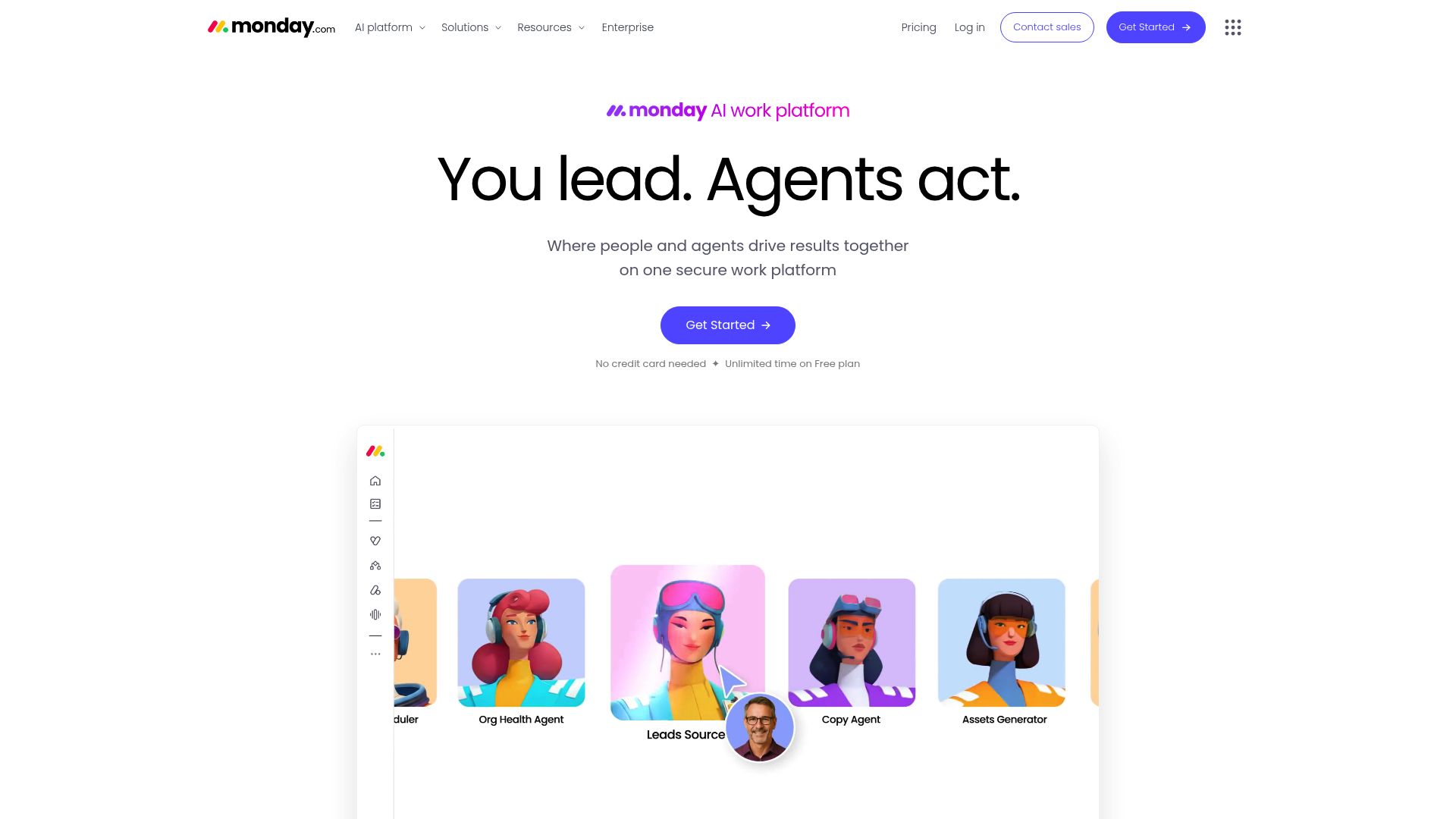
3. Monday for team collaboration and task tracking
-
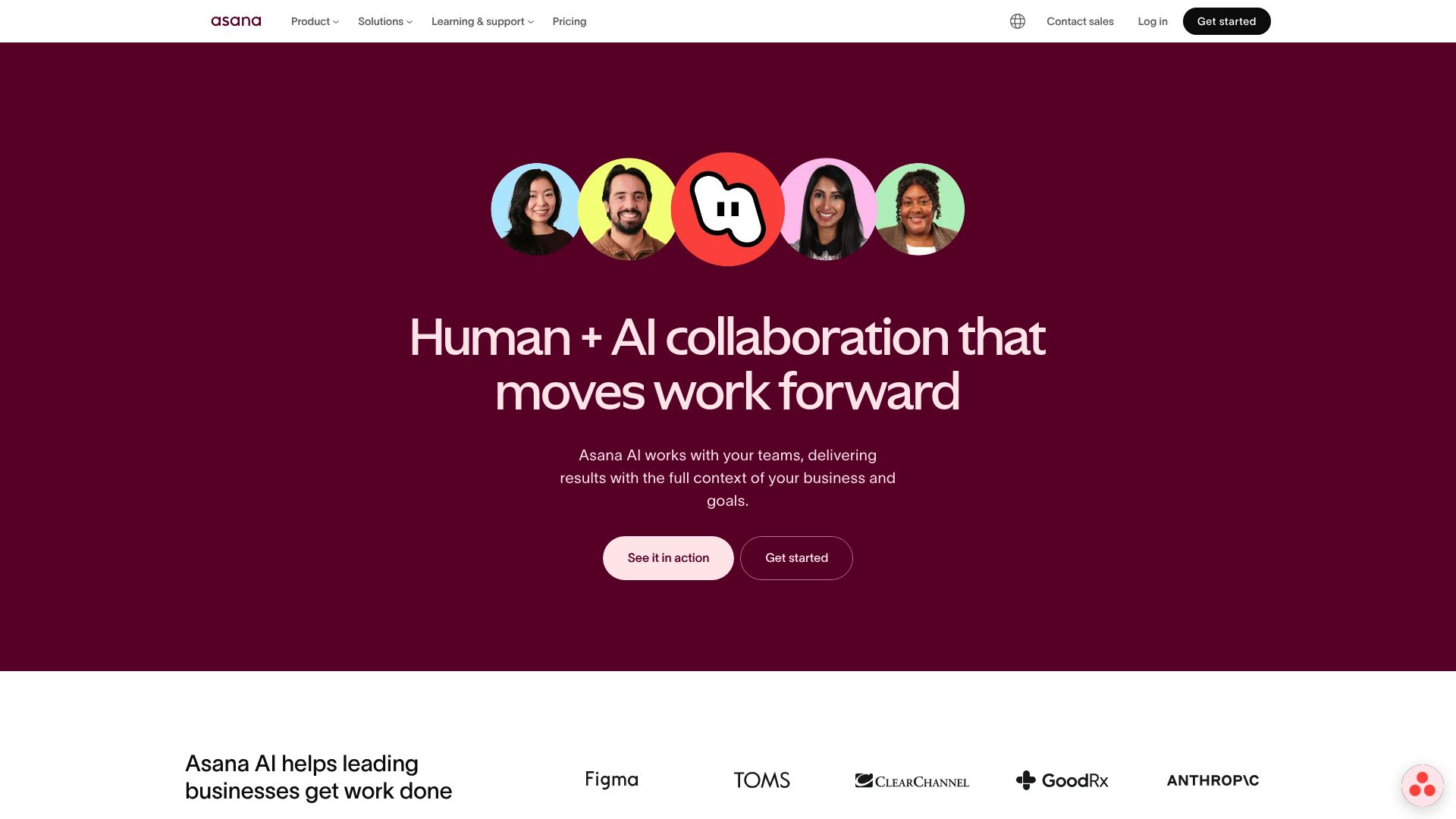
4. Asana Ai for task prioritization and automation
-
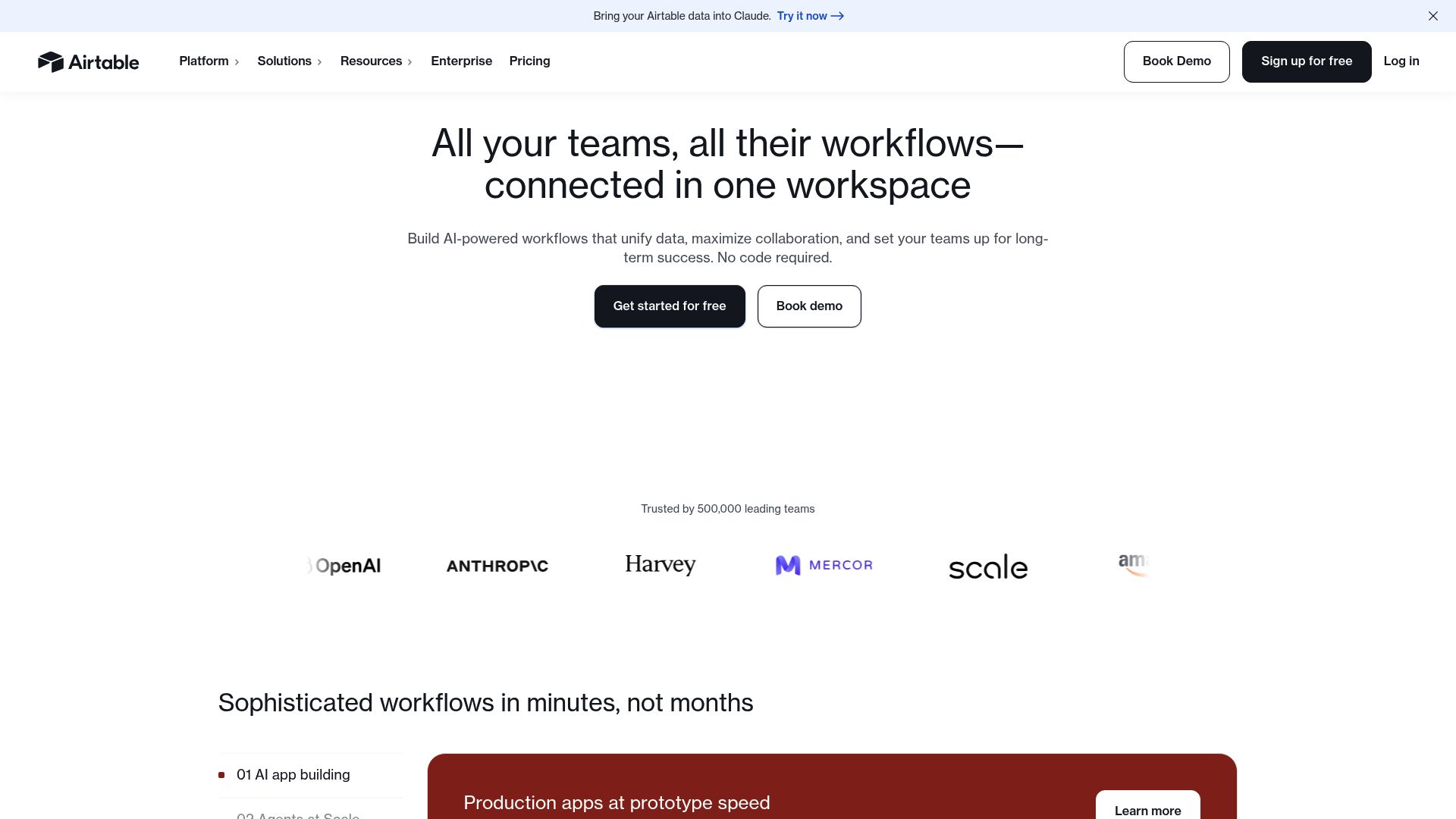
5. Airtable for task tracking and collaboration hub
-
6. Odoo for streamlining team collaboration on tasks.
-
7. Contra for manage projects and contracts seamlessly.
-
8. Servicenow for streamline project tracking and reporting.
-
9. Lucid for project timelines and workflows
-
10. Walling for task tracking and collaboration hub
-
11. Whimsical for visualize project timelines instantly
-
12. Creately for streamlining project workflows effectively.
-
13. Missive for streamlined task tracking and collaboration.
-
14. Motion for automate project task prioritization.
-
15. GitMind for streamlining project timelines and tasks
How do AI project management tools work?
AI project management tools leverage advanced algorithms and data analysis to help teams plan, execute, and monitor their projects more efficiently. At their core, these tools rely on machine learning models that analyze vast amounts of project data, enabling them to predict potential problems and suggest improvements. This predictive capability allows for proactive decision-making, helping managers stay one step ahead.
When you input project details, such as deadlines, resources, and scope, the AI algorithms assess the information and create actionable insights. These insights can include optimized timelines, resource allocations, and risk assessments, streamlining the planning process. Essentially, the tools translate complex data into more manageable formats, helping teams visualize their progress more clearly.
Collaboration is another crucial aspect of AI project management tools. These platforms often integrate communication features, allowing team members to discuss tasks and share updates in real time. The AI can also summarize conversations, highlight key decisions, and remind team members of deadlines, ensuring everyone remains aligned and accountable throughout the project lifecycle.
As the project evolves, AI tools continuously learn from user interactions and project outcomes. This feedback loop improves their recommendations, allowing for more tailored advice over time. By analyzing past project data, the algorithms can suggest best practices specific to your organization, ultimately enhancing overall productivity.
In summary, AI project management tools function by combining sophisticated data analysis with intuitive user interfaces. They provide a powerful way to manage projects, drawing insights from historical data and facilitating collaboration among team members. The future of project management looks promising, with AI playing a pivotal role in shaping how teams work together effectively.
Our best AI project management tools at a glance
| Rank | Name | Best for | Plans and Pricing | Rating |
|---|---|---|---|---|
| 1 | Notion | collaborative project tracking dashboard |
N/A |
0.00 (0 reviews)
|
| 2 | Clickup | task tracking and team collaboration |
N/A |
0.00 (0 reviews)
|
| 3 | Monday | team collaboration and task tracking |
N/A |
0.00 (0 reviews)
|
| 4 | Asana Ai | task prioritization and automation |
N/A |
0.00 (0 reviews)
|
| 5 | Airtable | task tracking and collaboration hub |
N/A |
0.00 (0 reviews)
|
| 6 | Odoo | streamlining team collaboration on tasks. |
N/A |
4.67 (6 reviews)
|
| 7 | Contra | manage projects and contracts seamlessly. |
N/A |
4.75 (12 reviews)
|
| 8 | Servicenow | streamline project tracking and reporting. |
N/A |
4.45 (11 reviews)
|
| 9 | Lucid | project timelines and workflows |
N/A |
4.77 (13 reviews)
|
| 10 | Walling | task tracking and collaboration hub |
Paid plans start at $6/month. |
4.00 (12 reviews)
|
| 11 | Whimsical | visualize project timelines instantly |
Paid plans start at $10/month. |
4.67 (27 reviews)
|
| 12 | Creately | streamlining project workflows effectively. |
N/A |
5.00 (27 reviews)
|
| 13 | Missive | streamlined task tracking and collaboration. |
Paid plans start at $14/month. |
4.73 (11 reviews)
|
| 14 | Motion | automate project task prioritization. |
N/A |
4.18 (11 reviews)
|
| 15 | GitMind | streamlining project timelines and tasks |
Paid plans start at $Free Trial/month. |
4.67 (6 reviews)
|
180 Listings in AI Project Management Tools Available







Contra pros:
- Contra is an AI-powered platform that offers portfolio website templates specifically designed for freelancers
- Freelancers using Contra can get featured in front of potential clients, increasing their chances of being discovered and landing new work opportunities
Contra cons:
- The platform may lack certain advanced features compared to other AI tools in the industry.
- The lack of transparent user reviews or testimonials to gauge the overall user satisfaction and experience
Contra stands out as an innovative AI-powered platform specifically crafted for freelancers. It simplifies the process of creating professional portfolio websites and managing essential business functions, including contracts, client signings, and payments—all without commission fees. This unique setup empowers freelancers to focus on their work while handling administrative tasks efficiently.
The platform offers a variety of portfolio templates and analytical tools that help freelancers showcase their work compellingly. By providing features that attract clients and promote business growth, Contra aims to equip freelancers with the resources needed to thrive in a competitive market.
One of Contra's standout features is its AI-driven content generation tool, which allows users to create portfolio content quickly and effortlessly. This capability is particularly beneficial for freelancers eager to establish a strong online presence while maintaining a personalized touch. Additionally, users can connect their portfolios to custom domains, enhancing their branding and visibility.
Upgrading to Contra Pro unlocks additional benefits such as customizable templates and priority placement in search results. With a comprehensive dashboard of analytics, freelancers can track their performance and make informed decisions to further enhance their online presence.
Overall, Contra focuses specifically on freelance professionals, ensuring that its features are tailored to their unique needs. Its user-friendly approach and robust tools make it an excellent choice for anyone looking to streamline their freelance business operations while building a standout portfolio.


Servicenow pros:
- Self-Service: Leverage an integrated portal for knowledge service catalogs and chatbots.
- Workforce Optimization: Gain real-time visibility into agent scheduling and performance.
ServiceNow's Customer Service Management (CSM) is a powerful tool designed to streamline customer service operations while optimizing costs. With an emphasis on enhancing customer satisfaction, it integrates advanced AI technologies to improve both self-service options and agent productivity. This platform equips service teams with real-time information, enabling them to resolve issues swiftly and efficiently.
A standout feature of ServiceNow’s CSM is its self-service portal, which centralizes access to knowledge bases, service catalogs, and intelligent chatbots. This makes it easy for users to find answers and resolve issues independently, significantly reducing the workload on service agents. Additionally, the virtual agent leverages natural language processing to facilitate quick and accurate responses.
Workforce optimization is another critical aspect, providing insights into agent performance and scheduling. This functionality ensures that resources are allocated effectively, enhancing operational efficiency. Meanwhile, process mining tools help optimize workflows, further streamlining service delivery.
ServiceNow excels with its predictive intelligence capabilities. By utilizing machine learning, it refines daily tasks and enhances decision-making processes. This ensures customers receive timely assistance while empowering agents to focus on more complex queries.
Underpinned by the Now Platform®, ServiceNow's CSM promotes seamless enterprise automation, making operations smoother and scalable. With various pricing plans catered to different business needs, it stands out as a comprehensive solution for enhancing the overall customer experience.


Lucid pros:
- Visual Workflows: Simplify complex ideas with intuitive design tools
- AI Empowerment: Harness cutting-edge AI to enhance work efficiency
Lucid cons:
- No specific cons or drawbacks of using Lucid were found in the provided documents.
- No specific cons or missing features are mentioned in the provided documents.
Lucid stands out as one of the top visual collaboration platforms designed to enhance teamwork and streamline project management. Its infinite canvas allows teams from various sectors—including product design, development, and marketing—to plan, execute, and launch projects collaboratively. With tools tailored for Agile planning and strategic development, Lucid empowers teams to visualize their processes effectively.
What sets Lucid apart is its end-to-end Visual Collaboration Suite, which includes features like a virtual whiteboard, intelligent diagramming, and cloud visualization. These tools enable teams to brainstorm and organize ideas visually, fostering creativity and innovation. The platform's user-friendly interface and comprehensive capabilities make it accessible for both novice and experienced users.
Security is a key focus for Lucid, especially with its Enterprise Shield offering, which provides enhanced protection for authorized accounts. Organizations can rely on Lucid for secure collaboration while enjoying best-in-class support and tailored solutions that meet their specific needs.
Lucid's commitment to values like teamwork and excellence resonates across its offerings. Co-founded by Ben Dilts and Karl Sun, the platform continues to expand its suite of tools to support millions of users in their collaborative efforts. For those looking to improve project management through visualization and teamwork, Lucid is a compelling choice.


Walling pros:
- Quick idea realization
- Swift content generation
Walling cons:
- Unclear upgrade benefits
- Potential over-organization
Walling Pricing
Paid plans start at $6/month and include:
- Unlimited Walls
- Unlimited AI credits
- Custom colors
- White label walls
- Due dates & reminders
- Unlimited guests per Wall


Whimsical pros:
- Generates fresh mind map ideas
- Overcomes mental blocks
Whimsical cons:
- Limited sign-up options
- Dependent on internet connection
Whimsical Pricing
Paid plans start at $10/month and include:
- Unlimited shared files
- 2000 AI actions per editor/month
- 10 guests per file or folder
- Premium support
- Generates fresh mind map ideas
- Overcomes mental blocks


Creately pros:
- Visual Tools That Get Things Done
- Workflows That Work For You
Creately cons:
- No specific cons or missing features of Creately Viz were identified in the provided documents.
- No cons found in the provided document.


Missive pros:
- Accountability. Always know who’s working on what.
- Efficiency. All your communication channels, shared or private in a single app.
Missive cons:
- No specific cons or missing features were identified in the provided documents.
- No specific cons or drawbacks of using Missive were found in the provided documents.
Missive is a versatile productivity tool that brings together email, group chat, and task management into one cohesive platform. This integration is designed to enhance team communication, allowing users to handle both personal and work emails efficiently. By streamlining these channels, Missive fosters a more organized and collaborative environment, making it easier for teams to stay aligned on projects.
At its core, Missive promotes asynchronous communication, which helps users maintain focus while managing multiple conversations. This approach minimizes distractions, allowing teams to prioritize their tasks effectively. Dedicated chat channels for specific projects or teams further enhance collaboration, enabling users to keep discussions relevant and organized.
In addition, Missive offers a range of advanced features that elevate productivity. Users can create message templates, track tasks, and enjoy customizable keyboard shortcuts, all contributing to a smoother workflow. With tools like read receipts, teams can also stay informed about their communications, ensuring that important messages are acknowledged and addressed promptly.
Accessible across web, desktop, and mobile formats, Missive ensures that users can manage their communication and tasks from anywhere. This flexibility makes it an ideal tool for teams on the go or those working remotely, helping them maintain productivity regardless of their location.
Starting at just $14 per month, Missive presents a cost-effective solution for teams looking to enhance their project management capabilities. With its all-in-one functionality and focus on collaboration, Missive is a strong contender in the realm of productivity tools, ultimately aiming to boost organization and efficiency for teams of all sizes.
Missive Pricing
Paid plans start at $14/month and include:
- Post content to Missive
- Analytics & Reporting
- Integrations with Asana, Pipedrive, Trello and more
- Rules to automate workflows
- API access
- SOC 2 audited security policies and procedures


Motion pros:
- Automate resource planning for your team by matching workload and capacity
- Accurately predict over or under-staffing in the future
Motion cons:
- Employees feel 71% of meetings are unproductive
- No specific cons or missing features mentioned in the document.


GitMind pros:
- Versatile and intuitive AI-powered mind mapping and brainstorming app
- Offers features to fuel productivity and creativity
GitMind cons:
- Misconceptions and misunderstandings regarding mind map utilization
- No cons or missing features mentioned in the document.
GitMind Pricing
Paid plans start at $Free Trial/month and include:
- Up to 10 files
- 1 Planet
- 30 Credits
- Basic Chat Model
- Export Images in Standard Format
What makes the best AI project management tool?
When evaluating the best AI project management tools, several key elements stand out. At the forefront is the ability to automate routine tasks. Effective tools should seamlessly integrate AI to handle scheduling, reminders, and task tracking. This not only saves time but also allows teams to focus on higher-value activities.
Collaboration features are essential. A project management tool should facilitate communication between team members, enabling real-time updates and feedback. Look for platforms that include chat features, document sharing, and integration with other collaboration tools to enhance teamwork.
User-friendly interfaces cannot be overlooked. The best tools are intuitive and easy to navigate, ensuring that all team members, regardless of tech-savviness, can utilize the system effectively. A complex interface can create barriers rather than simplify project management.
Customization options are vital as well. Each team operates differently, so the ability to tailor dashboards, workflows, and reports to fit specific needs adds significant value. A great tool allows you to create a project environment that reflects your team’s unique processes.
Affordability is a crucial consideration too. While there are many robust features available, you shouldn't have to break the bank to get them. The best tools deliver good value, offering a rich set of features at a reasonable price, ultimately enhancing productivity without excessive costs.
Finally, look for tools that provide robust analytics and reporting features. Data-driven insights can help teams evaluate project performance, understand resource allocation, and make informed decisions moving forward. Effective project management tools should empower you with meaningful metrics to guide your efforts.
How I selected the best Project Management Tools
Ranking and Scoring Methodologies
Our AI tool rankings are based on a comprehensive analysis that considers factors like user reviews, monthly visits, engagement, features, and pricing. Each tool is carefully evaluated to ensure you find the best option in this category. Learn more about our ranking methodology here.
When selecting the best project management tools, I focused on those that continue to evolve and enhance their features. The landscape of project management software is rapidly changing, and staying updated with tools that adapt swiftly is crucial for effective management. My evaluation criteria were based on several key aspects that I monitored closely throughout my testing process.
First, I considered usability and interface design. A tool should not only be functional but also intuitive. A clean, user-friendly interface can significantly improve user adoption and engagement, allowing teams to focus on their projects rather than struggling with complex navigation.
Next, I assessed collaboration features. In a world where teamwork often spans across different locations, the ability to communicate seamlessly is vital. Tools that offer real-time messaging, file sharing, and collaborative editing stand out by enhancing team productivity and cohesion.
Integration capabilities were another important factor. The best project management tools should seamlessly connect with other applications that teams already use, whether it's for communications, data analysis, or time tracking. This ability to integrate helps streamline workflows and ensures a more cohesive working environment.
Moreover, I looked into reporting and analytics features. A solid project management tool should provide insights into progress, resource allocation, and team performance. These insights empower managers and teams to make data-driven decisions and optimize their processes.
Lastly, I evaluated customization options. Different teams have unique workflows, and a good tool should allow for flexibility in adapting to specific needs. Customizable templates and workflows can make the difference between a good experience and a truly exceptional one.
Based on my research and hands-on experience with various tools, I’ve compiled a list of the best project management solutions for you to explore. Each one brings its own strengths to the table, making project management more efficient and enjoyable.