AI Text To Image Tools
Discover top AI tools that effortlessly transform text prompts into stunning images.

Creating images from text prompts has transformed into an exciting frontier in the realm of artificial intelligence. What once seemed like science fiction is now a reality, thanks to the emergence of advanced AI tools. They empower users to conjure visual art with just a few words, bridging the gap between imagination and creation.
As the capabilities of text-to-image generators have evolved, so has the quality of the output. No longer are we confined to basic and simplistic interpretations—these tools now produce stunning, intricate images that can rival those made by skilled artists. From whimsical illustrations to photorealistic portraits, the possibilities are endless.
I've spent considerable time exploring the landscape of these innovative tools to identify the best among them. Each tool offers unique strengths, catering to different artistic needs, styles, and levels of user expertise. Whether you're a casual user looking to create something fun or a professional in need of high-quality visuals, there’s likely an ideal tool for you.
In this article, I'll guide you through some of the top text-to-image AI tools available today. I'll break down their features, ease of use, and how they can help you unleash your creativity effortlessly. So, if you're ready to bring your ideas to life, let’s jump in!
The best AI Text To Image Tools
-
16. Dream AI for transforming prompts into stunning visuals
-
17. Dezgo for create images from text prompts
-
18. Artspace for transform text prompts into vivid images.
-
19. ImgGen AI for creating visual storytelling illustrations
-
20. Text To Handwriting for transforming texts into artistic visuals
-
21. ImagineMe for artistic style transformation from text.
-
22. Unstable Diffusion for custom illustrations for books
-
23. Monica AI Image Generator for creative illustrations from descriptions
-
24. Enhance AI for create imagery from text descriptions
-
25. promptoMANIA for artistic visualization from written prompts.
-
26. AI-Flow for transform words into vivid visuals.
-
27. Comfyui Web for creative visual concept development
-
28. DiffusionBee for create art from text descriptions.
-
29. Luxand.cloud for personalized content creation for ads.
-
30. SDXL Turbo AI for instant art creation from written prompts.
90 Listings in AI Text To Image Tools Available


Dream AI pros:
- Fast and easy creation
- Support for advanced art techniques
Dream AI cons:
- No editing features
- Premium access for certain styles


Dezgo pros:
- Generates high-quality images
- User defined aspect ratio
Dezgo cons:
- No advertisement-free version
- Requires active device scanning


Artspace pros:
- Ultra-realistic artwork generation
- No paint/Photoshop skills needed
Artspace cons:
- No free version
- No collaborative features
Artspace Pricing
Paid plans start at $5.99/month and include:
- 500 HQ Images per month
- Use Images commercially
- Access to all features
- Access to all models


ImgGen AI pros:
- ImgGen AI simplifies complex image enhancements like background removal, text removal, unblurring images, upscaling, and more.
- Generates professional AI headshots for free.
ImgGen AI cons:
- No specific cons or missing features of ImgGen AI were found in the provided document.
- No specific cons or missing features were mentioned in the provided document for ImgGen AI.


Text To Handwriting pros:
- Free online tool
- Different handwriting styles
Text To Handwriting cons:
- Only an online tool
- Can't maintain user's customizations
The Text To Handwriting Converter stands out as a unique tool in the realm of digital creativity. This free online platform allows users to transform plain text into handwritten images, giving a human touch to digital communications. With its user-friendly interface, it’s accessible to anyone looking to add a sentimental flair without any hassle.
Customization is a key feature of this tool. Users can select handwriting styles, adjust the size, and pick from a variety of ink colors. This level of personalization ensures that each handwritten output can be tailored to suit different needs, whether for personal messages, assignments, or artistic endeavors.
Another advantage is the ability to choose from various page sizes, making it versatile for different applications. Teachers looking to enhance assignments or individuals wanting to create bespoke greeting cards will find it particularly useful. The nostalgic feel of handwriting can elevate any digital text presentation.
While the converter effectively generates handwritten images, it does not include a plagiarism remover tool. Users are encouraged to seek external options if ensuring originality in assignments is a concern. This element of responsibility helps maintain academic integrity while using the tool creatively.


ImagineMe pros:
- Personalized art creation
- Only requires text descriptions
ImagineMe cons:
- 24 hour model training time
- 24-hour model training time
ImagineMe Pricing
Paid plans start at $5/N/A and include:
- Personalized art creation
- User-friendly Interface
- 24 hour model training
- Fast image generation
- Prompt option for inspiration
- Affordable pricing

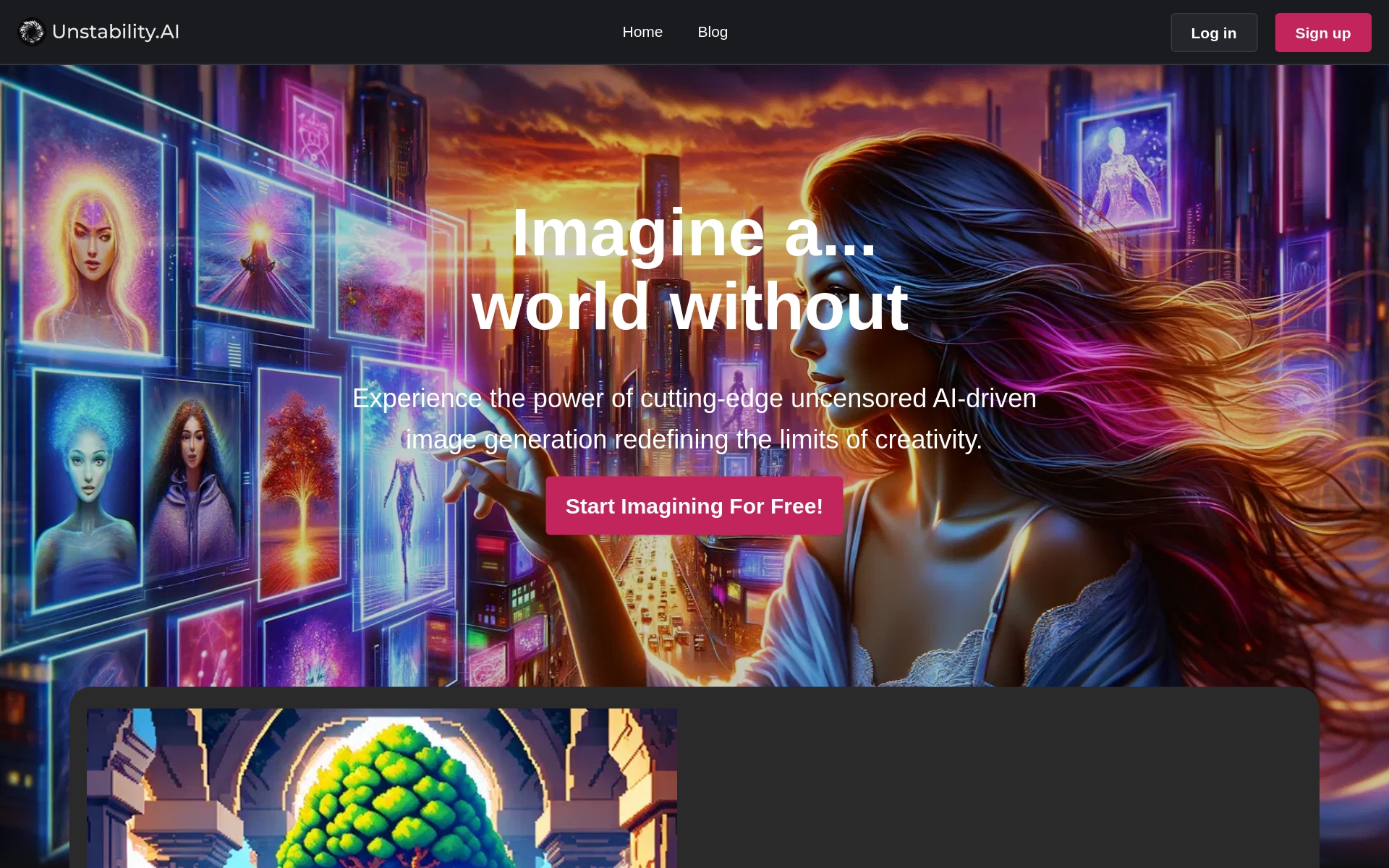
Unstable Diffusion pros:
- Vibrant Interface: The website boasts a dynamic pink color scheme, creating an inviting and engaging user interface.
- Adaptive Design: Unstable Diffusion ensures a consistent and accessible experience across all devices with responsive design.


Enhance AI pros:
- Versatile Tools
- Flexible plans


AI-Flow cons:
- Cooldown between free trials
- API integration not mentioned
AI-Flow Pricing
Paid plans start at $19/month and include:
- Connect multiple AI models easily
- Open-source platform for creating custom AI tools
- Run AI workflows in the app
- Integrate Leading AI Models
- Combine AI models like GPT-4o, Claude, and Stable Diffusion 3
- Build Custom AI Tools Quickly


Comfyui Web pros:
- Generates realistic images
- Produces high-resolution artwork
Comfyui Web cons:
- Slow output during peak load
- No option for resolution customization


DiffusionBee pros:
- DiffusionBee empowers creativity by providing tools to generate stunning AI art in seconds.
- Allows you to train image generation models using your own images locally.


Luxand.cloud pros:
- Integrate facial recognition into your website, app, or software using Luxand.cloud's cloud API
- Identify people who have been previously tagged in images
Luxand.cloud cons:
- No specific cons or missing features mentioned in the document.
- No cons mentioned in the document.
Luxand.cloud Pricing
Paid plans start at $9/month and include:
- 10,000 requests
- Secure Cloud Storage
- Supported Programming Languages
- High Performance
- Cost-Effective
- Highly Scalable Solution


SDXL Turbo AI pros:
- Real-Time Generation Capabilities
- Computational Efficiency
SDXL Turbo AI cons:
- The model's accuracy and quality may vary depending on the prompt’s specificity and complexity
- The tool does not offer fine-grained control over every aspect of the generated image
SDXL Turbo AI Pricing
Paid plans start at $5/Month and include:
- 1000 fast generations per month
- Unlimited normal processing generations
- 30 Daily Advanced Edit (Magic Erase/Upscale/PNG etc.)
- Generate 4 images in one go
- 2 running jobs at once
- AI Toolkit 20 Credits/day
Related Categories
- 3D Model Generators
- AI Portrait Generators
- Art Generators
- Avatar Makers
- Background removers
- Character Chat Tools
- Deepfake Makers
- Design Generators
- Drawing Generators
- Headshot generators
- Image Enhancer & Upscalers
- Image Generators
- Infographics Tools
- Interior Design Tools
- Outfit Generators
- Photo Editors
- Photographers Tools
- Product Design Tools
- Story Generators
- Text To Image Tools