AI Text To Speech Tools
Discover top AI tools for converting text to natural-sounding speech effortlessly.

In an increasingly digital world, the need for accessibility has never been greater. Text-to-speech technology has emerged as an essential tool, enabling users to consume written content effortlessly. From eBooks to web articles, transforming text into natural-sounding speech empowers everyone—especially those with visual impairments or learning disabilities.
Once a niche tool, today’s text-to-speech software offers sophisticated options. This new wave of AI-powered solutions not only reads your text but also adapts to different contexts and tones. Whether for casual listening or professional narrations, the quality has vastly improved.
After exploring a variety of text-to-speech tools, I’ve compiled a list that highlights some of the best ones available. Each of these tools showcases unique features that can help you engage your audience or simply enjoy a book without reading.
If you're ready to elevate your listening experience, or need an assistive tool for your reading, look no further. Here are the top text-to-speech tools worth considering.
The best AI Text To Speech Tools
-
31. Cliptics for converting blogs to engaging audio bits.
-
32. 15.Ai for realistic voiceovers for videos
-
33. Lemonfox for efficient audiobook narration
-
34. Seeing AI for reading printed materials aloud.
-
35. Voxify for effortless language learning
-
36. Textalky for accessible audio for learning materials
-
37. Amazon Polly for interactive voice response systems
-
38. VoiceOverMaker for creating audiobooks from written content.
-
39. Acoust for convert text documents to audio format.
-
40. Speak4Me for convert text to audio for easy listening.
-
41. Text Reader for create audio for visually impaired users
-
42. ElevenLabs Reader for audiobook narration for diverse genres.
-
43. TTSLabs for voiceovers for videos and presentations.
-
44. Audio-bot for instant multilingual audio narration
-
45. Listenly for reading assistance for learning materials.
59 Listings in AI Text To Speech Tools Available


Cliptics pros:
- Cliptics enhances interactions with AI systems
- Cliptics offers a daily text-to-speech limit of 5000 characters
Cliptics cons:
- The deep learning feature in Cliptics could potentially improve output but is not fully described how it achieves this
- There is no mention of cons for using Cliptics in the provided document.

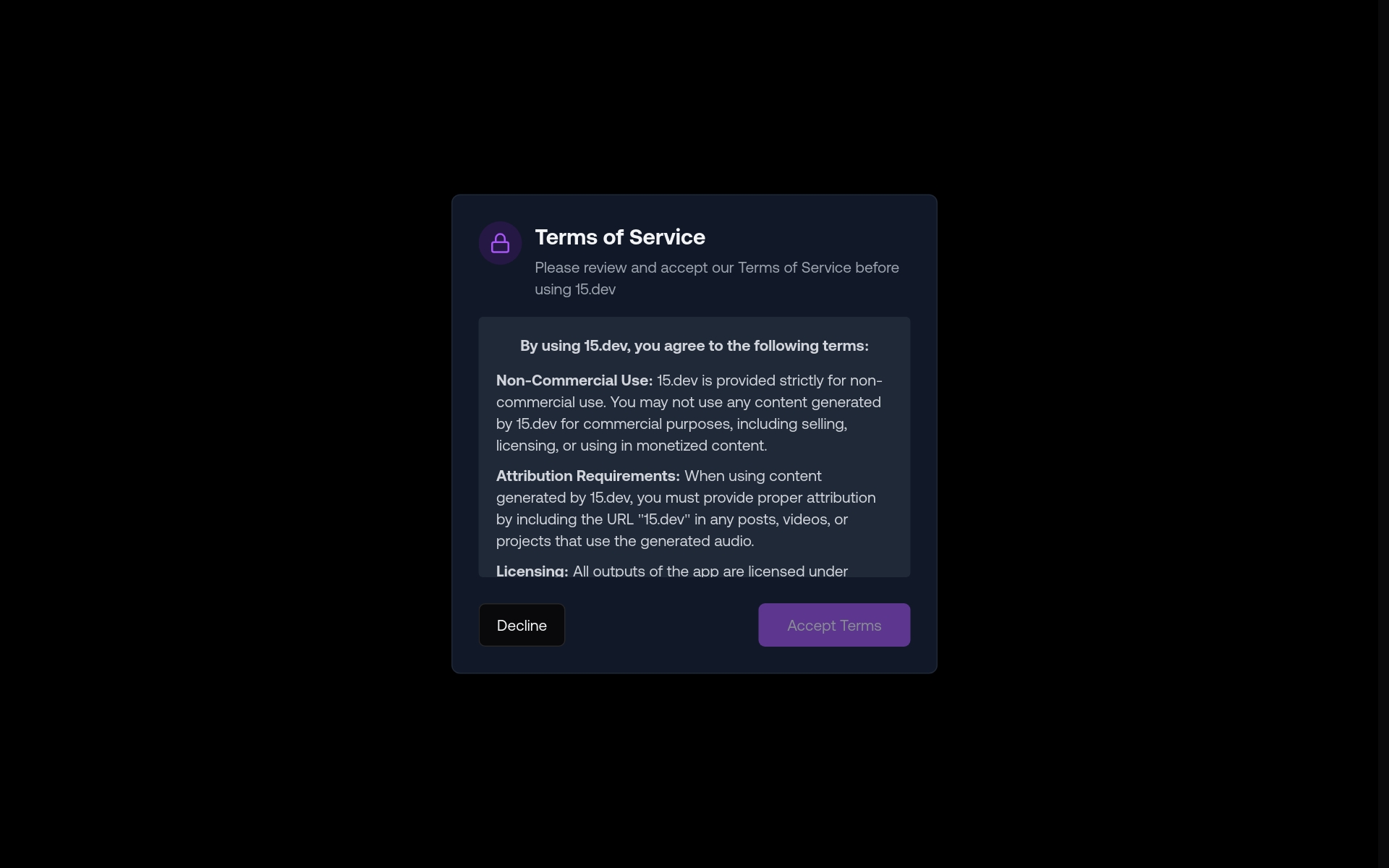
15.ai is an innovative platform that specializes in advanced text-to-speech (TTS) voice cloning, designed to produce highly realistic and emotionally expressive audio. With a focus on minimizing the amount of data needed for voice generation, 15.ai enables users to create lifelike speech that resonates with authenticity across various applications. The technology stands out for its ability to mimic natural human intonations and emotions, making it an ideal resource for projects that require vibrant and human-like speech synthesis. Whether for creative endeavors, educational tools, or accessibility features, 15.ai provides a cutting-edge solution for anyone looking to enhance their work with high-quality voice capabilities.


Lemonfox pros:
- Low Cost AI
- Easy-to-Use Transcription & AI APIs


Seeing AI pros:
- Visual impairment assistance
- Realtime processing
Seeing AI cons:
- Poor scene analysis
- Limited accessibility features
SeeingAI is an innovative visual narration app designed to enhance the lives of visually impaired individuals by leveraging advanced image recognition and computer vision technologies. This powerful tool works in real time, analyzing surroundings and delivering detailed audio descriptions of various scenes and objects. With features such as object detection, text recognition through Optical Character Recognition (OCR), and facial recognition, SeeingAI effectively aids users in navigating their environment.
The app is designed with accessibility in mind, offering a seamless user experience that includes a speech synthesis feature to convert visual information into spoken words. Additionally, it includes augmented reality capabilities and barcode scanning to assist users further in identifying products and understanding their surroundings. By breaking down barriers to information and accessibility, SeeingAI empowers visually impaired individuals, allowing them to explore and comprehend the world around them with greater confidence and independence.


Voxify pros:
- Fast Turnaround Times
- Customizable voiceovers
Voxify Pricing
Paid plans start at $4.99/month and include:
- 100,000 characteres
- All 450+ voices
- All 140+ languages & variations available
- Commercial usage


Textalky pros:
- Multiple male and female voices
- Multiple language support
Textalky cons:
- Requires internet connection
- Lacks advanced customization
Textalky Pricing
Paid plans start at $24/Month and include:
- AI Text to Speech
- AI Speech to Text
- AI Writing Tools
- 300,000 Char. (TTS) / Month
- 300,000 Words (AI) / Month
- 540 Minutes (STT) / Month


Amazon Polly is a powerful text-to-speech service from Amazon Web Services (AWS) that allows developers to transform written text into realistic speech. Leveraging cutting-edge deep learning techniques, Polly generates voices that sound remarkably human-like, making it a valuable tool for a range of applications. It supports multiple languages and accents, enabling users to create engaging and accessible content for diverse audiences. Furthermore, Polly offers various customization features, allowing adjustments to speech rate, volume, and pronunciation to meet specific requirements. This flexibility has made Amazon Polly a popular choice in areas such as e-learning, accessibility, and customer engagement, where high-quality audio enhances overall user experience.


Acoust pros:
- Powerful, simple, and fast
- Useful for social media production
Acoust cons:
- No specific cons were listed in the provided documents.
- No specific cons or missing features of Acoust were identified in the provided documents.
Acoust is an innovative online Text-to-Speech (TTS) tool designed to transform written text into lifelike audio using advanced neural AI technology. With an extensive library of over 200 voices available in more than 30 languages, Acoust ensures users can find the perfect sound for their needs. The platform allows for quick downloads of audio in various formats, including MP3, WAV, and OGG, enabling seamless integration into different projects.
Acoust stands out by focusing on delivering high-quality, engaging content that moves away from the typical robotic sound of conventional TTS options. This makes it ideal for a range of applications such as social media content, training materials, audiobooks, explainer videos, and IVR voiceovers. Additionally, Acoust is equipped with an AI assistant powered by ChatGPT, which supports users in boosting their creativity and enhancing their content creation process. Whether you're working on a marketing campaign or developing educational resources, Acoust offers a sophisticated solution that redefines how we approach audio production.


Speak4Me pros:
- Listen to any content you usually read, at your own pace.
- Listen PDFs or any other text file. Easily upload your files from iCloud, Dropbox or Google Drive.
Speak4Me cons:
- No specific cons or missing features were mentioned in the document for Speak4Me - Text To Speech.
- No specific cons listed in the document.
Speak4Me is an innovative text-to-speech tool designed to transform various text formats, including PDFs and website content, into engaging audio. With its user-friendly interface, individuals can effortlessly listen to their documents or study materials while on the move. The platform allows users to interact with PDFs, enabling them to ask questions or receive quick summaries of the text, making information retrieval both fast and efficient.
One of the standout features of Speak4Me is its flexibility; users can adjust playback speed to suit their preferences, ensuring a customized listening experience. Additionally, the tool supports file uploads from popular cloud storage services like iCloud, Dropbox, and Google Drive, as well as the ability to scan both printed and digital texts for conversion into natural-sounding speech. This functionality promotes hands-free enjoyment or multitasking, catering especially to students and professionals seeking to enhance their productivity and focus. Overall, Speak4Me serves as a valuable companion for anyone looking to absorb information more effectively through auditory means.


Text Reader pros:
- Cost-Effective: Reduces production expenses significantly by eliminating the need for professional voice artists.
- Time Efficient: With the ability to convert text rapidly, turnaround times are quicker than coordinating recording sessions with humans.
Text Reader cons:
- May not offer as much customization or control over voice characteristics compared to some other AI text-to-speech tools
- Possible lack of human-like intonation and emotional nuances in the generated speech
Text Reader is an innovative text-to-speech tool designed to convert written content into high-quality audio effortlessly. Utilizing sophisticated WaveNet technology and advanced AI algorithms, it offers natural-sounding voices in over 40 languages, making it an ideal choice for both personal and commercial purposes. The platform features an intuitive interface that simplifies the text-to-audio conversion process, making it a cost-effective solution for various applications, including podcasts, voice-overs for videos, IVR systems, and personalized greetings.
One of the standout features of Text Reader is its adaptability in educational settings. It enhances learning experiences by providing audio versions of educational materials, which can be particularly beneficial for students with learning difficulties such as dyslexia. This capability not only aids comprehension and pronunciation but also fosters improved listening skills across multiple languages. With its consistent audio quality and versatility, Text Reader stands out as a reliable tool for creating engaging content in diverse fields, from marketing to education.


ElevenLabs Reader is an innovative text-to-speech application designed to transform written content into captivating audio. This versatile tool caters to a wide range of formats, including books, articles, and PDFs, enabling users to engage with text in a new and immersive way. Leveraging advanced AI technology, the app produces highly realistic voice narrations that enhance the listening experience. Available on both Android and iOS platforms, ElevenLabs Reader offers flexibility and convenience, allowing users to enjoy their favorite content anytime and anywhere. With its focus on seamless audio narration, the app makes it easier than ever for individuals to consume written material and enrich their daily lives through the power of sound.


TTSLabs pros:
- Free option available with access to 80+ custom voices
- Advanced profanity filters for content


Audio-bot pros:
- Spanish language specialization
- 14+ regional Spanish accents
Audio-bot cons:
- Voice options may sound artificial
- Lacks advanced customization
Audio-bot Pricing
Paid plans start at $20/one-time and include:
- All neural voices available
- Audio file downloads
- 100% ownership of intellectual property
- 30-day money-back guarantee


Listenly pros:
- High-quality synthetic voices
- Natural-sounding audio
Listenly cons:
- No information available
- Possible limitations in voice quality
Listenly Pricing
Paid plans start at $15/N/A and include:
- 10 hours of high-quality audio
- Listen to ~75 blog posts, articles, or emails
- Make an audio version of 1–2 medium-sized books
- 576K characters, ~115K words