AI Video Content Creator Tools
Discover top AI tools that elevate video creation with smart editing and engaging features.

The rise of video content has transformed the way we communicate, educate, and entertain. With billions of videos uploaded every day, creators are continually seeking ways to stand out in a crowded market. The good news? AI tools are stepping up to help content creators craft stunning videos more efficiently than ever.
Gone are the days when video production required extensive training, hefty equipment, and hours of editing. Now, AI-powered solutions can assist with everything from scripting and shooting to editing and enhancing. These tools streamline the process, allowing creators to focus on their artistic vision instead of getting bogged down by technical details.
I've spent time exploring the latest tools that leverage AI specifically for video creation. Whether you’re a YouTuber, a marketer, or simply someone looking to share your moments, there’s something here for everyone. These tools can help you elevate your content, save time, and achieve a professional finish without the steep learning curve.
As we delve into the best AI tools for video content creators, prepare to discover applications that cut down on editing time, suggest creative enhancements, and even help automate content distribution. Let’s dive in and see what these innovative tools have to offer.
The best AI Video Content Creator Tools
-
16. OneTake AI for effortless multilingual video creation
-
17. Wzrd for tailoring visuals for social media videos
-
18. Clips AI for effortlessly edit and share engaging clips.
-
19. Latte Social for crafting captivating video snippets for social.
-
20. Keyframes Studio for effortless content repurposing
-
21. Yogger for motion analysis for video content creation.
-
22. Fanfuel for ai thumbnail and script generator
-
23. Film Finder Ai for suggest films for content inspiration.
-
24. MovieUncover for tailored movie ideas for video content
-
25. VoCut for efficient video editing with auto sync
-
26. Supertranslate for automatic english subtitles for videos
-
27. Video Mood for quickly gauge audience reactions to content.
-
28. Reel2Recipe for transform videos into shareable recipes
-
29. Framedrop.gg for efficient highlight creation for streams.
29 Listings in AI Video Content Creator Tools Available


OneTake AI pros:
- Perfect world-standard podcast loudness levels
- Provides you with a downloadable MP3 audio version of your content
OneTake AI cons:
- Possible restrictions on the length of videos that can be edited efficiently
- Dependency on the accuracy of face and expression matching for lip-syncing


Wzrd pros:
- User-Friendly: Easy and quick to start with immediate results.
- User-Friendly: Easy and quick to start with immediate results
Wzrd cons:
- No cons or missing features were mentioned in the provided documents.


Clips AI pros:
- Clips AI automatically creates social media clips from long-form videos like podcasts, saving time for creators
- Designed for audio-centric, narrative-based videos such as podcasts, interviews, speeches, and sermons
Clips AI cons:
- No specific cons of using Clips Ai were identified in the provided documents.
- Specific cons of using Clips Ai are not provided in the documents.


Latte Social pros:
- Cutting-edge platform leveraging AI for social media content creation
- Effortlessly transform best moments into engaging snippets
Latte Social cons:
- Lack of details on customer support quality
- Lack of information on integration capabilities with other platforms
Latte Social stands out as an innovative platform designed specifically for content creators seeking to make the most of their multimedia assets. By leveraging cutting-edge AI technology, it transforms videos, podcasts, and webinars into captivating snippets that are perfect for social media. This allows users to focus on what they do best—creating content—while Latte Social handles the editing and optimization.
With its user-friendly interface, Latte Social simplifies the process of extracting key moments from longer content. Users can quickly identify impactful highlights and craft visually appealing snippets that engage their audience. This ease of use is a significant advantage for busy marketers and creators who often juggle multiple projects.
Beyond just trimming down content, Latte Social enhances these snippets with customizable features like captions, animations, and background music. These elements not only make the content more accessible but also elevate its overall appeal, ensuring it stands out in crowded social feeds.
Pricing for Latte Social is quite approachable, with plans starting at just $10 a month. This affordable entry point makes it an attractive option for both individual creators and businesses looking to amplify their social media presence without breaking the bank.
In summary, Latte Social offers a powerful suite of tools tailored for video content creators. Its ability to convert longer formats into engaging social media snippets, coupled with its affordability, makes it a must-try for anyone serious about maximizing their online impact.
Latte Social Pricing
Paid plans start at $10/month and include:
- 240 video downloads / year
- 1800 video upload minutes, available INSTANTLY
- One-click subtitling with 10+ trendy subtitle templates
- Convert long video into viral shorts
- Unlimited AI crafted titles and social media captions
- Platform-specific reframing (e.g. cropping horizontal video to vertical)


Keyframes Studio pros:
- Optimized social media videos
- Automatic keyframe creation
Keyframes Studio cons:
- No third-party sharing capabilities
- No professional color grading
Keyframes Studio Pricing
Paid plans start at $9/month and include:
- Unlimited projects
- 5 keyframes per video
- 20 GB storage
- 60 minutes video export per month
- 30 minutes livestream per month
- No brand kit feature


Yogger pros:
- Video analysis capabilities
- Injury prevention tool
Yogger cons:
- Limited to athletic analysis
- Lack of multi-user support
Yogger Pricing
Paid plans start at $4.99/month and include:
- Unlimited video analysis
- AI Joint angle tracking with data
- Track progress and setup goals
- Save videos and images to Library


Fanfuel pros:
- Script maker module
- Analytics chat feature
Fanfuel cons:
- Limited subtitle language support
- Limited facial swap options
Fanfuel Pricing
Paid plans start at $15/month and include:
- 100 ideas
- metadata sets
- 90 thumbnails
- video scripts per month
- unlimited Analytics chat interactions
- 20 face swaps for thumbnails per month


Film Finder Ai pros:
- Personalized Recommendations: Get movie and TV series suggestions based on your description or plot details.
- AI-Powered Search: Utilize cutting-edge AI technology to find films that align with your preferences.
Film Finder Ai cons:
- No cons available for Film Finder Ai at this time.


MovieUncover pros:
- MovieUncover is an AI tool designed to assist users in finding movie recommendations based on their descriptions.
- Users can provide a textual description of the movie they are interested in, using keywords or phrases that best capture the essence of the film they have in mind.


VoCut pros:
- Unleash Creativity with AI-Powered, Text-based Video Editing
- Effortless Integration, Incredible Efficiency
VoCut cons:
- No cons available from the provided documents.
- No specific cons or limitations of using Vocut were mentioned in the document.
VoCut Pricing
Paid plans start at $12/month and include:
- 1200 Minutes voice credits / month
- 100GB cloud storage
- 4K video exporting
- Unlimited projects creating
- Priority Processing
- Team assets library


Supertranslate pros:
- Intuitively split, merge, and adjust timecodes of the generated subtitles
- Upload video of any language and get English subtitles automatically
Supertranslate cons:
- No specific cons or missing features mentioned in the document
Supertranslate Pricing
Paid plans start at $10/month and include:
- 150 credits every month
- 1 credit = 1 minute of video processing


Video Mood pros:
- Summarizes YouTube videos
- Performs sentiment analysis
Video Mood cons:
- Potential language comprehension limitations
- Can only summarize and analyze one video at a time

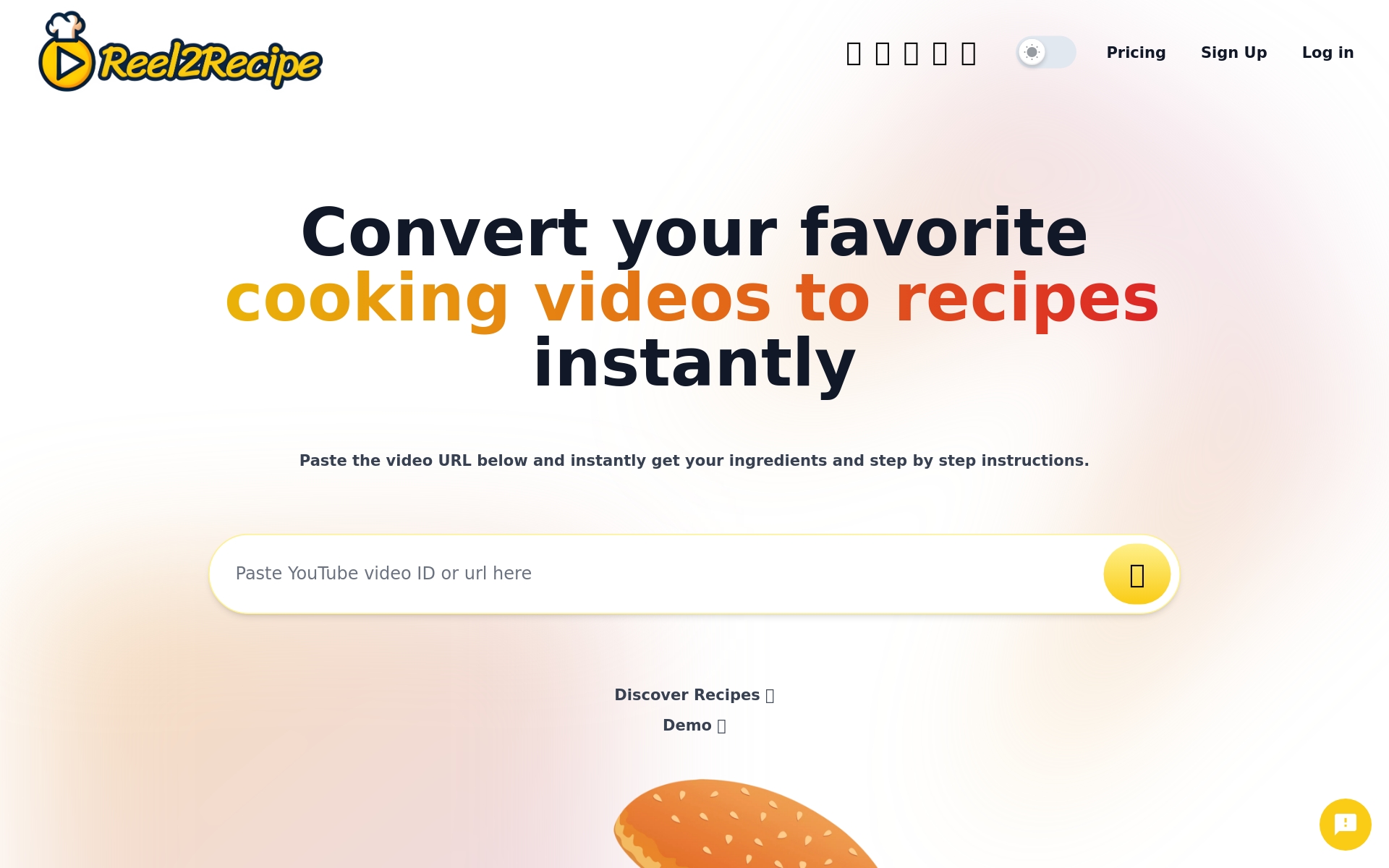
Reel2Recipe pros:
- Ease of Use
- Recipe Sharing
Reel2Recipe cons:
- Limited free version with videos up to 20 minutes long
- Missing features like advanced recipe analysis or meal planning functionality
Reel2Recipe Pricing
Paid plans start at $14.99/One time payment and include:
- Videos up to 1 hour long
- Unlimited Recipes from TikTok
- Unlimited Recipes from Facebook
- Export recipes to PDF
- Email recipe to yourself
- Customer Support


Framedrop.gg pros:
- Advanced AI for automatic highlight detection
- AI Smart Editing tools for clip enhancement