AI Video Generators
Discover top AI video generators for creating high-quality videos for all skill levels.

Creating videos used to be a complex process, reserved for those with technical skills or expensive equipment. But thanks to advancements in AI, making high-quality videos is now within everyone's reach. From automated editing to intelligent scene selection, AI tools are transforming how we approach video production.
Gone are the days of wrestling with editing software and dealing with endless rendering times. Now, you can generate compelling video content quickly, enhancing your productivity without sacrificing quality. Whether you’re a seasoned creator or just starting, AI offers an array of solutions for every need.
In this evolving landscape, it’s easy to feel overwhelmed by the choices available. That's why I've spent time exploring the best AI tools for video generation that cater to various styles and purposes. Get ready to discover platforms that can help you edit faster, add stunning effects, and even generate scripts—all while simplifying your workflow.
Let’s dive into the world of AI video generators, where innovation meets creativity, and find out which ones deserve a spot in your toolkit.
The best AI Video Generators
-
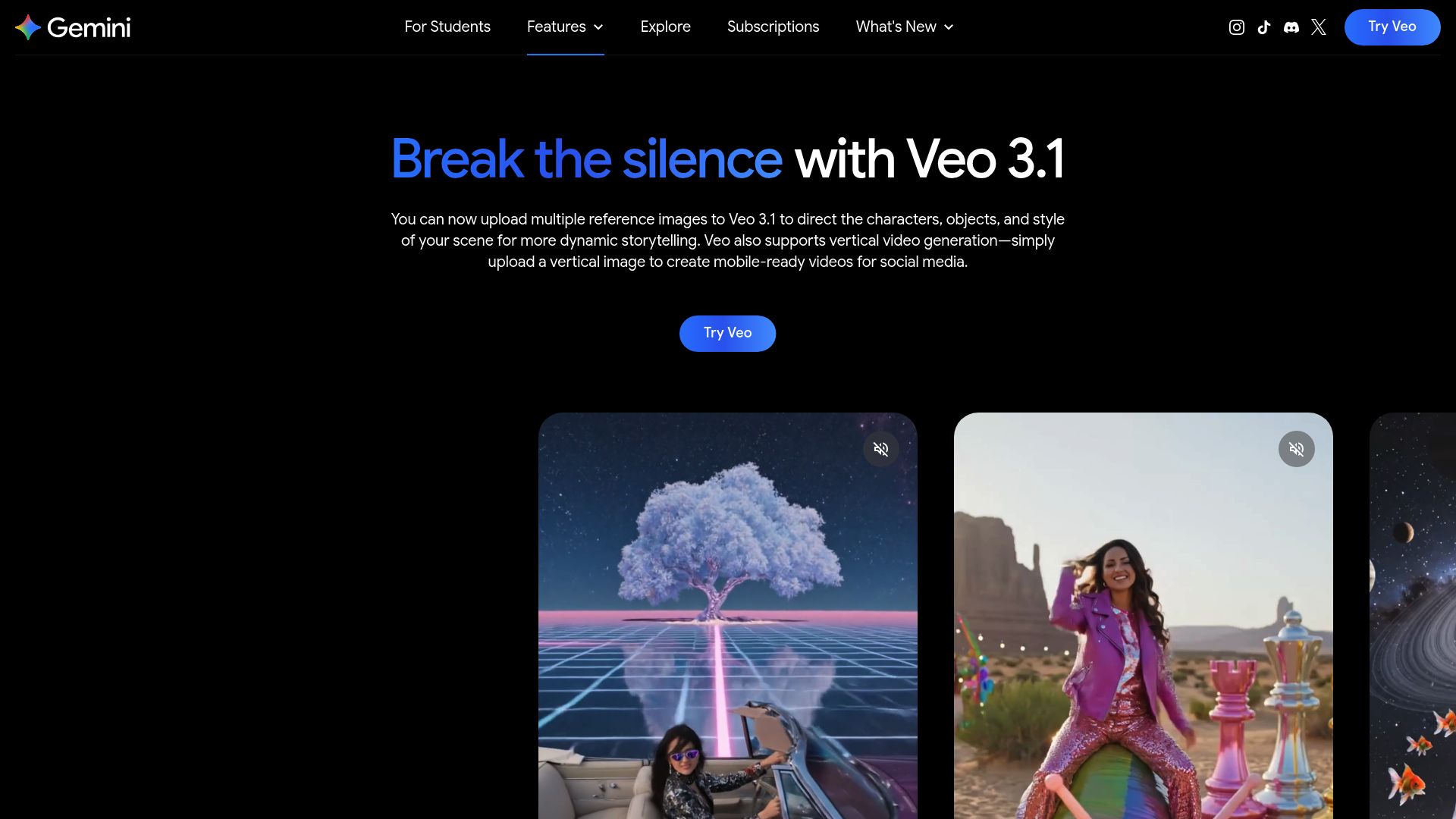
16. Google Veo 3 for automated ad creation for social media.
-
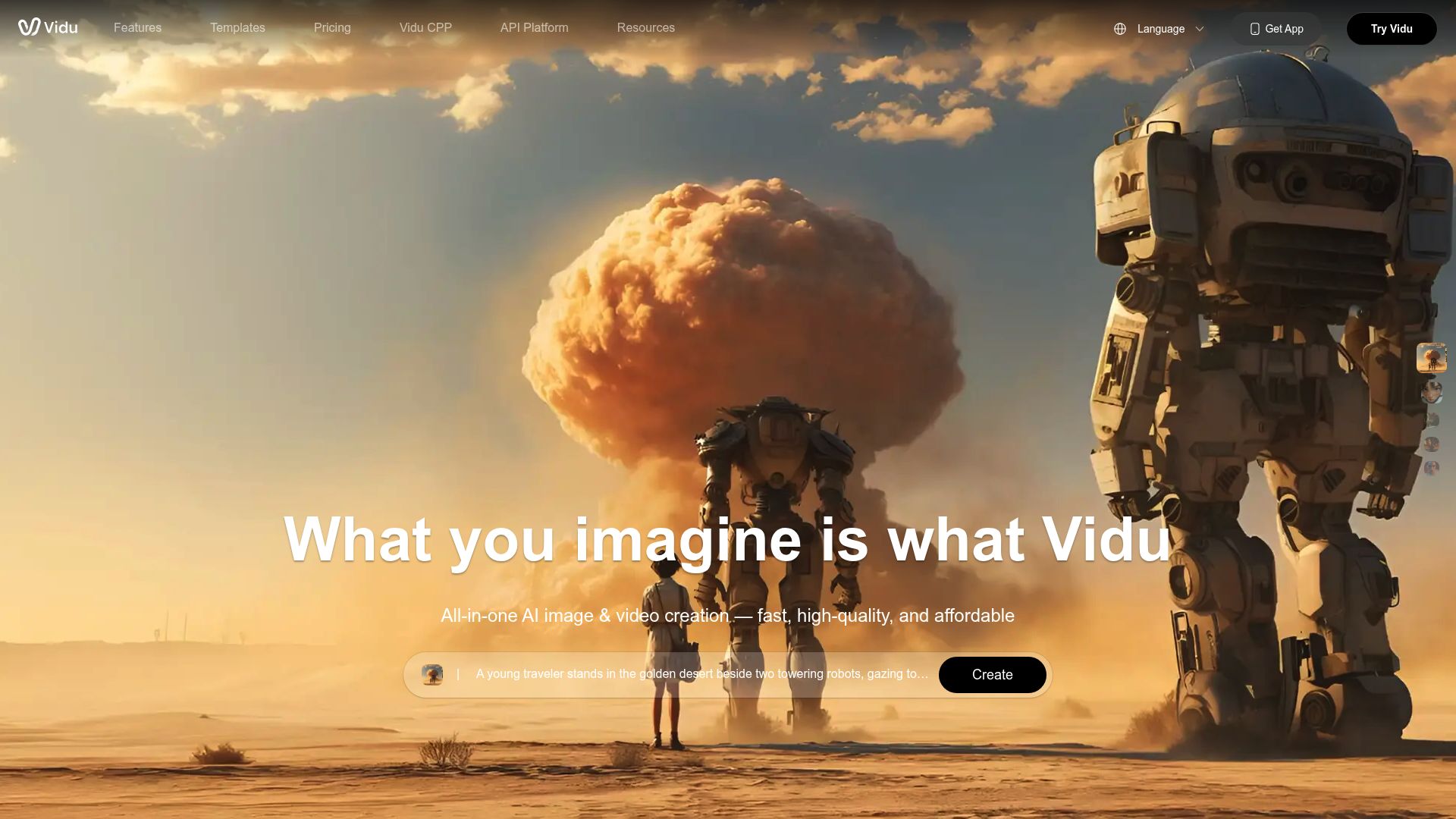
17. Vidu. for dynamic video content creation.
-
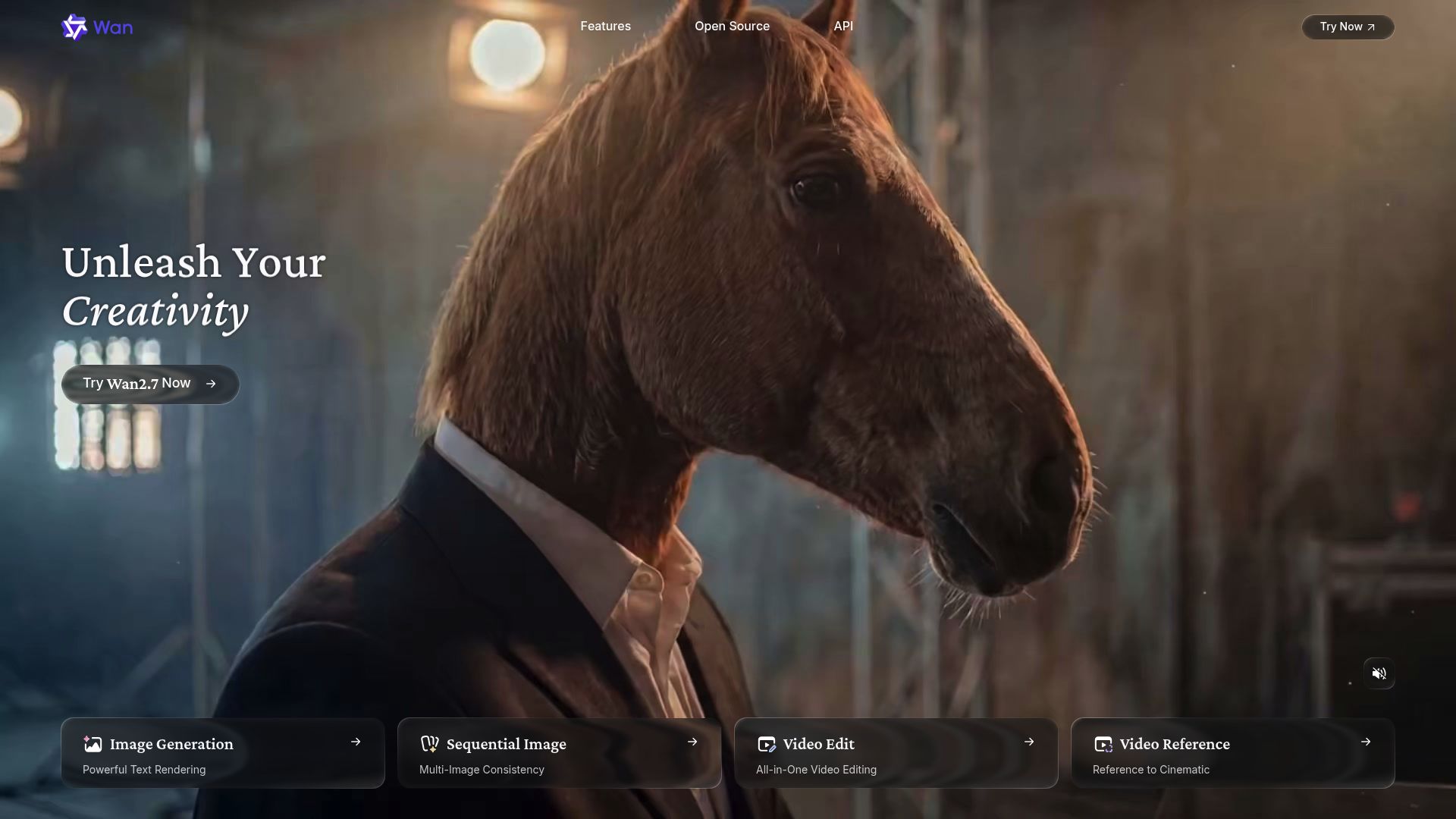
18. Alibaba Wan. for localizing video content for global audiences.
-
19. TopMediai for ai video creation tool
-
20. Synthesia for instantly create engaging training videos.
-
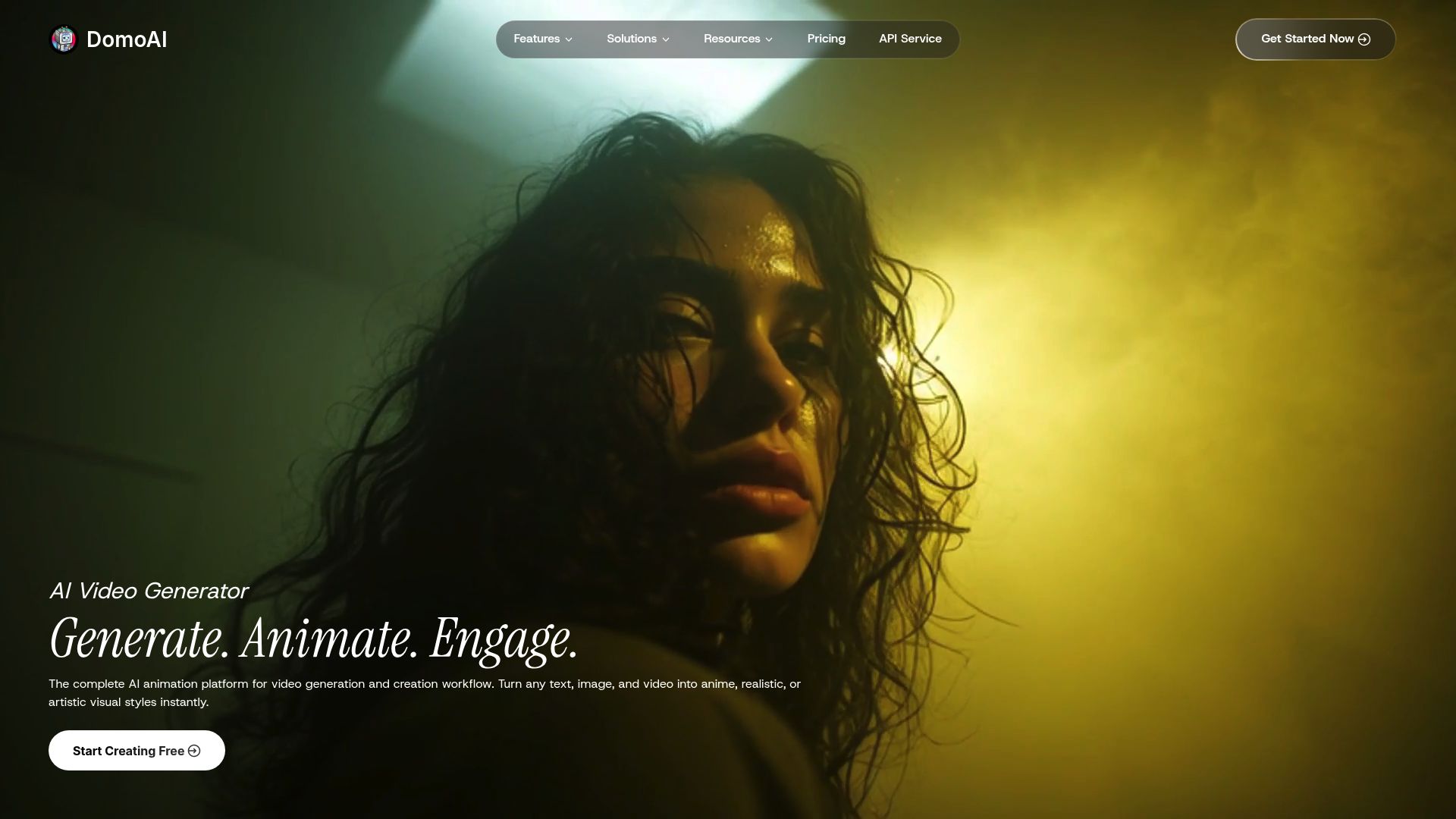
21. Domo Ai. for automating video content creation.
-
22. Napkin AI for transform scripts into engaging videos.
-
23. Fliki for converting articles into dynamic videos
-
24. Captions for effortless video creation for all users.
-
25. HitPaw for streamline video watermark removal process
-
26. Animaker for create engaging marketing videos
-
27. DreamFace for animating faces for engaging videos
-
28. Pictory for transform scripts into engaging videos.
-
29. AKOOL for custom video ads for targeted campaigns
-
30. GoEnhance for transform scripts into engaging animations.
152 Listings in AI Video Generators Available





TopMediai pros:
- TopMediai offers specialized AI tools tailored for content creators
- Enhances efficiency and productivity of content creators
TopMediai cons:
- No customer support
- Limited TTS conversions
TopMediai Pricing
Paid plans start at $Free/month and include:
- 5,000 characters in total
- Up to 1,000 characters at a time
- Limited TTS conversions
- No customer support
- Audio download not supported


Synthesia pros:
- Unlimited personal avatars (Subject to fair use)
- 130+ languages & voices
Synthesia cons:
- Limited information on the variety of AI voices and languages supported
- No information on the frequency or availability of software updates and new features
Synthesia Pricing
Paid plans start at $29/month and include:
- AI-Powered Video Creation
- Diverse Presenter Selection
- Ethical Commitment
- Ease of Use
- Wide Application
- Unlimited personal avatars (Subject to fair use)



Napkin AI pros:
- Document editor with visuals
- Context-based icon suggestions
Napkin AI stands out in the realm of AI tools designed for text-to-video conversion by elevating the document creation experience. This platform seamlessly combines text editing with multimedia elements, allowing users to enrich their documents with icons, charts, and recorded videos. For those looking to enhance their storytelling, the visual aids make it easy to convey complex ideas clearly and engagingly.
One of the standout features is its noise reduction capability, which ensures that the final output is polished and focused. This attention to detail makes Napkin AI ideal for users from various backgrounds, whether you're an experienced professional or just starting in content creation.
Collaboration takes center stage with Napkin AI, as it facilitates document sharing among team members. This feature fosters a collective effort in refining content, ultimately resulting in visually stunning documents that communicate effectively. The AI-generated visual suggestions also provide a creative boost, recommending elements tailored to your content's context.
For those who may not have design skills, Napkin AI democratizes visual content creation. Its user-friendly interface empowers anyone to produce vibrant, engaging documents without the need for extensive training or design expertise. Whether for business presentations or educational materials, Napkin AI is an essential tool for anyone looking to captivate their audience through visual narrative.


Fliki pros:
- No prior experience as a designer or video editor required
- Intuitive and user-friendly platform for easy content creation
Fliki cons:
- Limited scene limits (10 for 'Tweet to video')
- Missing features like 'Product to video' and 'Translate' compared to other AI tools
Fliki is an innovative tool that converts text into engaging video content, making it ideal for marketers, educators, and content creators. With its user-friendly interface, Fliki allows users to transform scripts or articles into visually appealing videos in just a few clicks. This versatility makes it a valuable asset for anyone looking to enhance their digital presence.
One of Fliki's standout features is its ability to include dynamic visuals and voiceovers, enriching the viewer's experience. Users can choose from a library of stock images and video clips, effectively bringing their text to life. This ensures that even complex topics can captivate audiences through engaging visual storytelling.
Moreover, Fliki supports multiple languages and voice options, catering to a diverse global audience. This flexibility is instrumental for businesses aiming to reach varied demographics. The platform allows users to tailor presentations to specific cultures or languages, making content accessible and relevant.
Fliki operates on a subscription-based model, with pricing starting at $21 per month. While this may be a consideration for some, the time and effort saved in video production can justify the investment. Overall, Fliki stands out in the text-to-video landscape as a powerful tool that streamlines content creation while maintaining high-quality output.
Fliki Pricing
Paid plans start at $21/month and include:
- PPT to video Limited
- Tweet to video
- Product to video
- Translate
- AI Art
- AI Video clips


Captions pros:
- Revolutionary platform that brings the power of AI to storytelling
- Simplifies video creation process


HitPaw pros:
- Quick watermark removal
- Requires no photo editing skills
HitPaw cons:
- High-resolution original required
- No user support for troubleshooting


Animaker pros:
- Effortless Creation Powered by Animaker AI
- Super Powerful Character Builder
Animaker cons:
- The lack of specific cons or disadvantages of using Animaker was found in the provided documents.
- No specific cons of using Animaker were found in the provided document.


DreamFace pros:
- User-friendly photo animating app
- Leverages AI technology to enhance and animate facial features
DreamFace is an innovative video creation tool that harnesses the power of AI to transform your ideas into vibrant, dynamic videos. Users can effortlessly generate unique content suitable for various platforms, from social media postings to educational materials, all with just a few clicks. This accessibility makes DreamFace an appealing option for creators of all backgrounds.
What sets DreamFace apart is its incorporation of customizable AI avatars and voices. This feature allows users to personalize their videos, making them engaging and tailored to their audience's needs. Whether adding fun effects or modifying facial expressions, creativity knows no bounds with this app.
The app is designed with user-friendly features that make the editing process intuitive. DreamFace utilizes advanced AI technology to track facial landmarks, enabling precise modifications of photos and videos. This technical prowess ensures that your visual content looks polished and professional.
Available on both Android and iOS, DreamFace caters to a wide user base, ensuring that everyone can access its powerful features whenever inspiration strikes. User privacy and data protection are also prioritized through strict policies, allowing creators to focus on their work without concerns over security.
Overall, DreamFace is a standout tool in the realm of video creation. With its fun functionalities and commitment to user experience, it empowers you to animate your ideas and bring static images to life, enhancing your storytelling capabilities. Whether you’re creating content for business or personal use, DreamFace is a must-try for anyone looking to elevate their video projects.


Pictory pros:
- Automatically extract highlights from Zoom, Teams, Webinar, and Podcast recordings and convert them into short branded video snippets for social media
- Add captions for increased reach and watch time
Pictory cons:
- Limited support for languages
- Training courses may be restricted to specific plans


AKOOL pros:
- Premium Studio Quality
- 4K Resolution
AKOOL cons:
- No specific cons or limitations mentioned in the provided documents.
- No specific cons or drawbacks of using Akool were found in the provided documents.


GoEnhance pros:
- Create AI animated short in Minutes
- Perfect for Creators, Easy to Use