AI Productivity Tools
Discover top AI tools that boost productivity and streamline your tasks efficiently.

In today's fast-paced world, staying productive can sometimes feel like an uphill battle. With endless to-do lists, constant notifications, and distractions lurking around every corner, finding the right tools to help you manage your time effectively has never been more crucial. Enter AI productivity tools—designed to streamline your workflows, automate mundane tasks, and keep you organized.
Over the past few years, these intelligent solutions have made significant strides, evolving from simple task managers to comprehensive systems that adapt to your needs. Whether you're striving to optimize your daily schedule, improve team collaboration, or tackle that overwhelming inbox, the right AI tools can make all the difference.
In my exploration of the best AI productivity tools on the market, I've tested various applications that promise to enhance your efficiency and focus. From smart schedulers to innovative project management systems, there’s a wealth of options available to help reclaim your time.
So, if you're eager to elevate your productivity game and make the most out of your workday, look no further. Here’s a curated list of standout AI productivity tools that are worth your attention. Let’s dive into the world of smarter work management together!
The best AI Productivity Tools
-
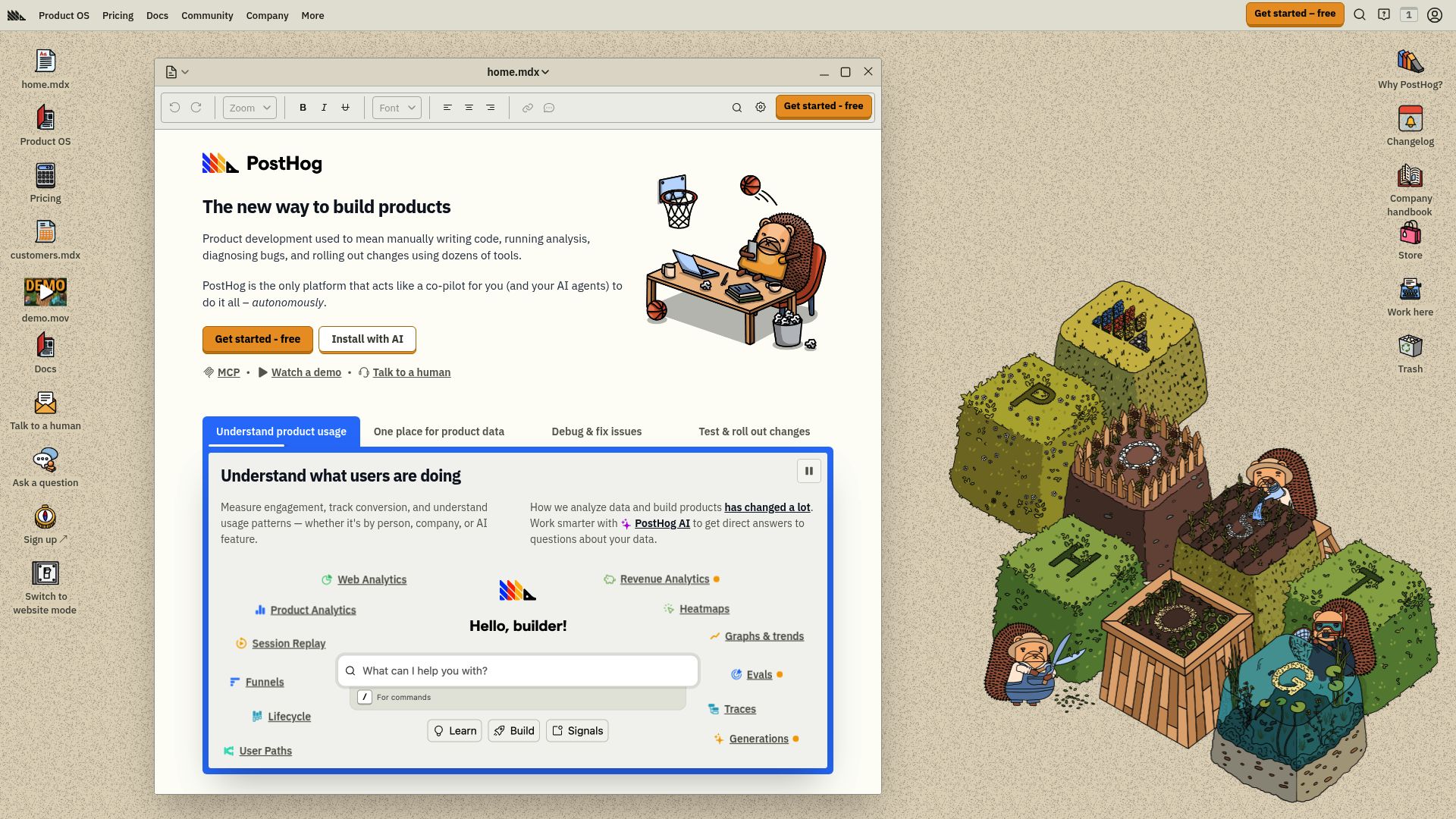
31. Posthog for user engagement tracking for task apps.
-
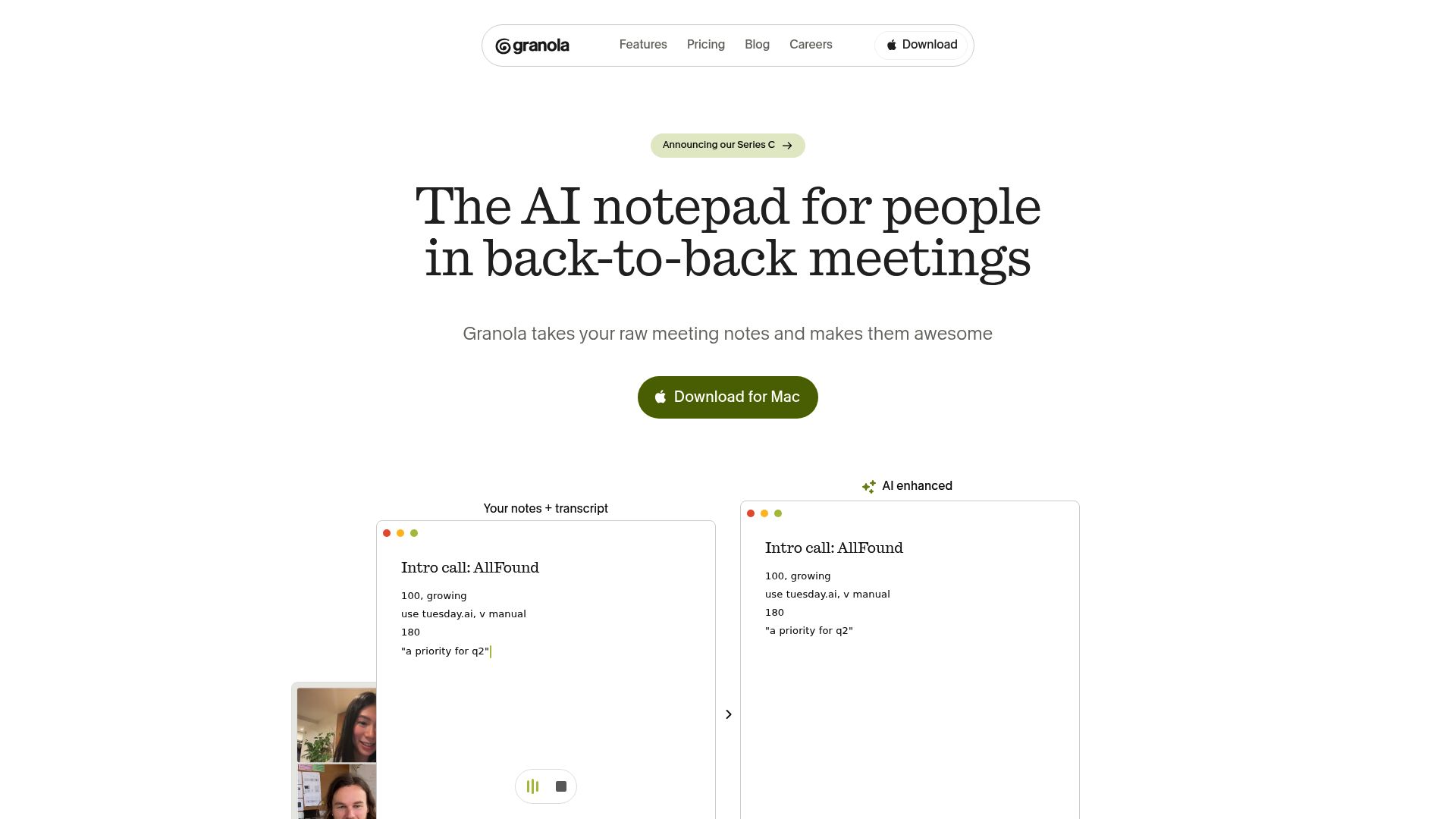
32. Granola for streamlining personal task management.
-
33. Contra for streamline project management workflow.
-
34. LightPDF for streamline document management efficiently
-
35. Pitch for real-time team collaboration on slides
-
36. Whimsical for streamlined task organization
-
37. Veriff for streamline onboarding for productivity apps.
-
38. Tldv for streamlined meeting summaries for teams.
-
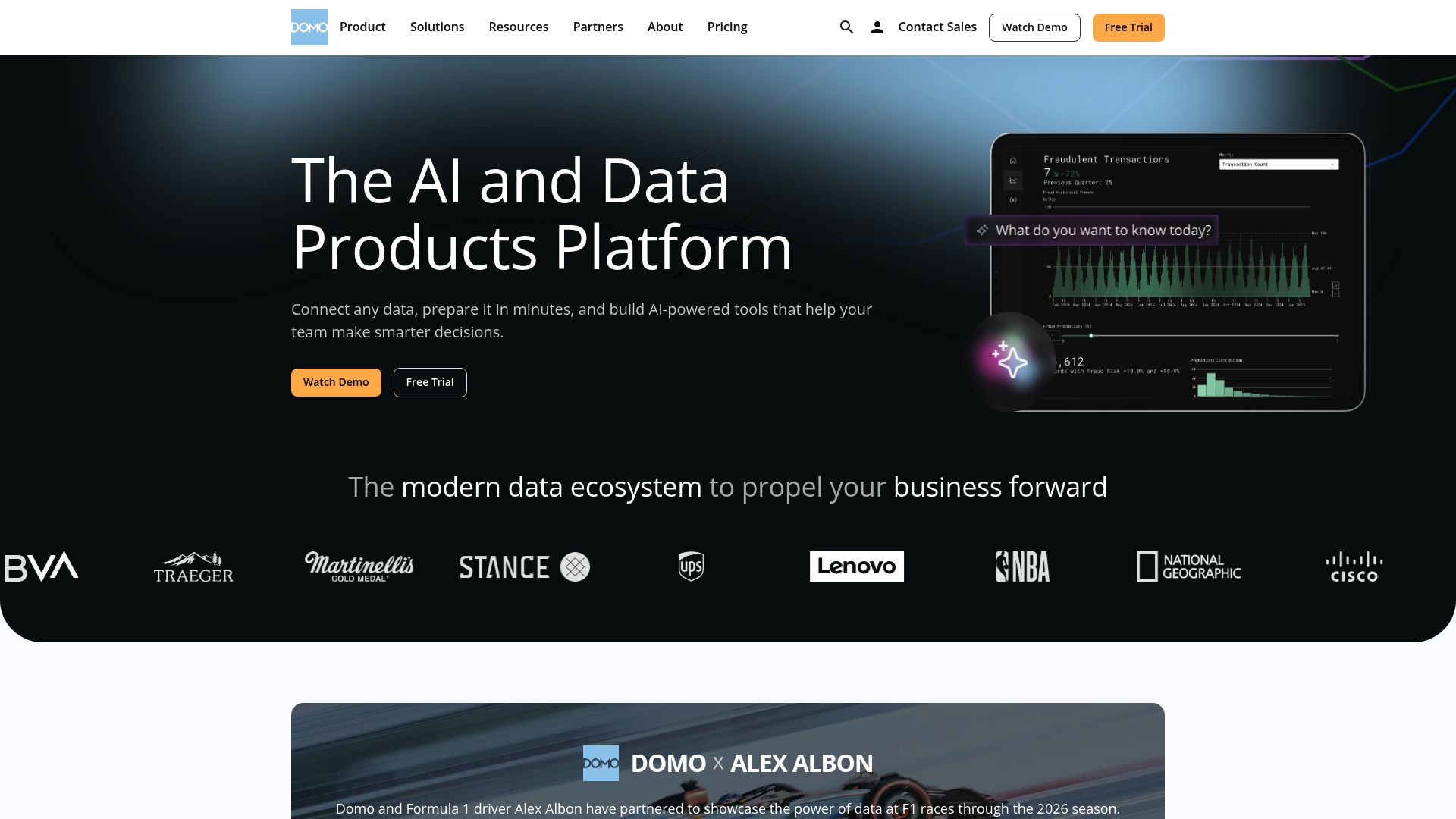
39. Domo for streamlining team project tracking
-
40. Text Blaze for boost efficiency with text shortcuts.
-
41. Amplitude for tracking user engagement in apps
-
42. You.com for streamlining daily task management.
-
43. UiPath for automating report generation for teams
-
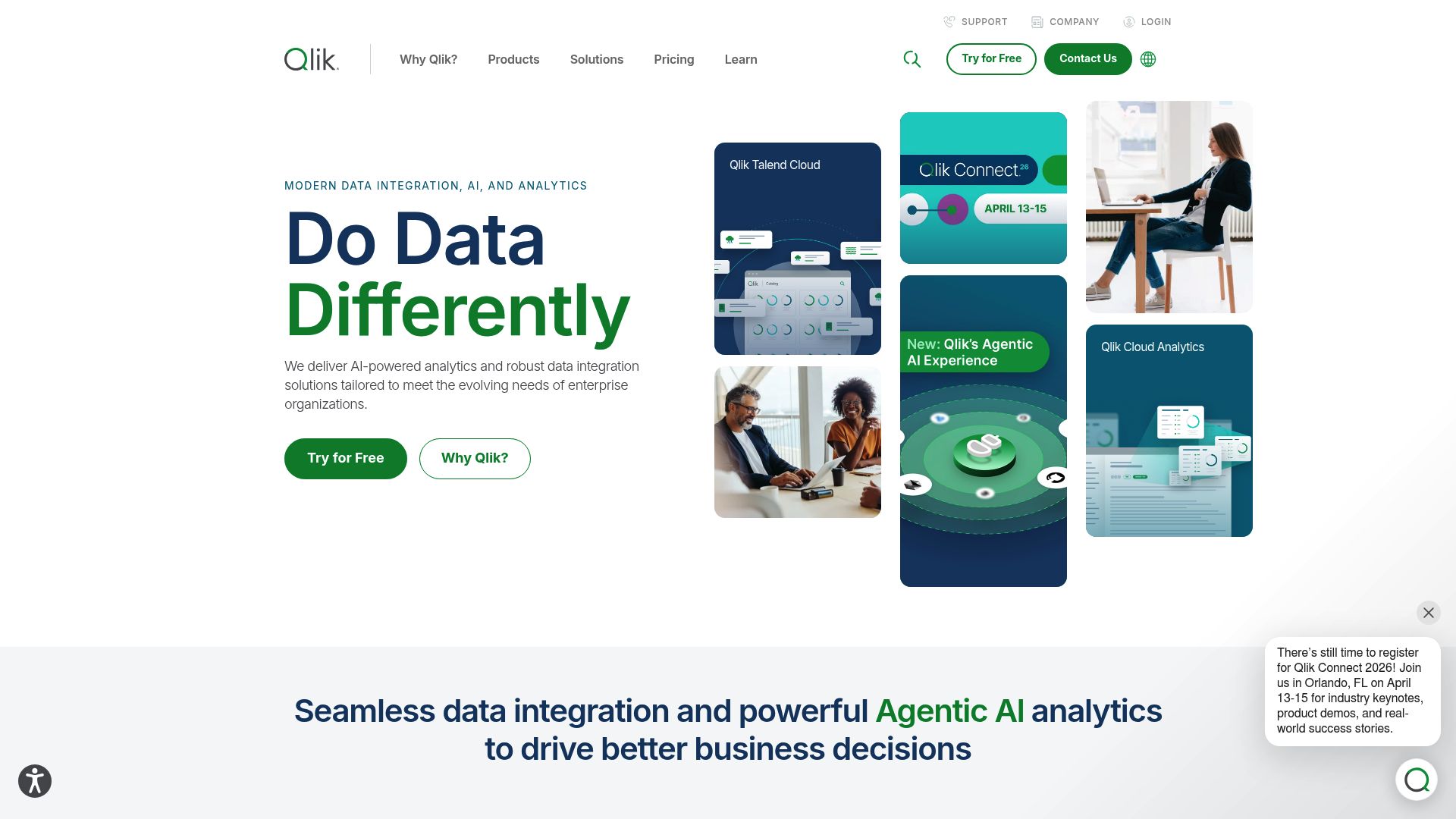
44. Qlik for streamlining team project analytics.
-
45. AIPRM for streamlined task management and automation.
1519 Listings in AI Productivity Tools Available




Contra pros:
- Contra is an AI-powered platform that offers portfolio website templates specifically designed for freelancers
- Freelancers using Contra can get featured in front of potential clients, increasing their chances of being discovered and landing new work opportunities
Contra cons:
- The lack of transparent user reviews or testimonials to gauge the overall user satisfaction and experience
- The AI tools for generating portfolio content may not provide fully tailored or unique content compared to manual creation
Contra is a cutting-edge platform tailored specifically for freelancers seeking to enhance their professional online presence. By leveraging AI technology, it enables users to craft stylish portfolio websites effortlessly while managing critical aspects of their freelance operations, from contracts to payments—all commission-free. Its intuitive design allows freelancers to showcase their work in a visually appealing manner, thereby attracting potential clients with ease.
A standout feature of Contra is its collection of portfolio templates and analytics tools. These resources empower freelancers to not only present their work effectively but also to track performance and client engagement. With these insights, users can refine their offerings and strategically grow their freelance businesses over time.
Moreover, Contra's AI-driven tools for generating portfolio content significantly streamline the creation process. This allows freelancers to focus more on their craft while benefit from high-quality, tailored content. The ability to connect custom domains adds a layer of professionalism that can help stand out in a competitive landscape.
For those looking to elevate their experience, upgrading to Contra Pro unlocks customizable templates and enhanced visibility in search results. The full analytics dashboard provides deeper insights into portfolio performance, driving informed decisions. Overall, Contra is designed to address the unique challenges freelancers face, helping them build a robust online identity and foster lasting client relationships.


LightPDF pros:
- Efficiency meets innovation with features like PDF compression, OCR technology, and AI-driven assistance
- Security is paramount with options to protect, unlock, and sign PDFs
LightPDF cons:
- No specific cons or drawbacks of using LightPDF were mentioned in the provided document.
LightPDF is a versatile platform that significantly enhances document management, particularly when handling PDF files. Aimed at users seeking a streamlined experience, it provides an array of tools for conversion, editing, and compression, making it ideal for both professionals and casual users. With its focus on efficiency, LightPDF ensures that managing documents becomes a hassle-free process.
Security is a primary concern for LightPDF, which offers features to protect, unlock, and sign PDFs. This focus on safeguarding documents complements its user-friendly design, giving users peace of mind. Additionally, the platform incorporates OCR technology, enabling text extraction from scanned documents, which is invaluable for anyone dealing with physical paperwork that needs digitization.
One of the standout features of LightPDF is its AI-driven assistance for document analysis. This capability helps users glean insights from their documents quickly and accurately, enhancing productivity further. The platform's integration with web browsers and G Suite makes it accessible across various devices, catering to the needs of a modern, mobile workforce.
For developers, LightPDF goes a step further by offering professional PDF API and SDK solutions. This allows businesses to tailor PDF functionalities to their specific requirements, making LightPDF not just a tool for individuals but also a powerful asset for companies looking to optimize their document workflows.
Since its inception in 2015, LightPDF has evolved to meet the diverse needs of its users. Its commitment to making PDF interactions simpler and more efficient positions it as a leading choice among AI-driven productivity tools in the market today. Whether for personal use or enterprise-level solutions, LightPDF is a comprehensive choice for anyone navigating the world of digital documents.


Pitch pros:
- AI-Powered Drafts: Start presentations with AI-generated content saving time and inspiring creativity.
- Customizable Templates: Choose from over 100 professional templates that can be tailored to your brand identity.
Pitch cons:
- May not fully justify value for money compared to other AI presentation tools
- Missing features such as video uploads, asset library, sharing & exports controls


Whimsical pros:
- Generates fresh mind map ideas
- Overcomes mental blocks
Whimsical cons:
- Limited sign-up options
- No mobile application
Whimsical Pricing
Paid plans start at $10/month and include:
- Unlimited shared files
- 2000 AI actions per editor/month
- 10 guests per file or folder
- Premium support
- Generates fresh mind map ideas
- Overcomes mental blocks


Veriff pros:
- Proven identity verification
- Advanced AI-powered automation, unmatched breadth of geographic document and language coverage


Tldv pros:
- Support for multiple languages
- Seamless collaboration and productivity
Tldv cons:
- The page can't be found in Tldv documentation, indicating possible issues with information accessibility or organization



Text Blaze pros:
- Saves time
- Works across devices
Text Blaze cons:
- No specific cons or disadvantages were found in the provided documents.
Text Blaze is an innovative Chrome extension designed to revolutionize how we handle typing tasks. By allowing users to create customizable text shortcuts, it efficiently streamlines processes daunting for many. This tool is an absolute must-have for anyone looking to enhance their productivity, especially those who frequently deal with repetitive content.
With Text Blaze, users can sync their text snippets across devices and platforms, ensuring consistency whether they're in Gmail, Google Docs, or Salesforce. This seamless integration allows for a smoother workflow, as users can access their previously saved snippets with just a few keystrokes.
One of the standout features of Text Blaze is its shared snippet folders. This is particularly beneficial for teams, allowing everyone to utilize the most current messaging content collaboratively. It’s perfect for maintaining a unified brand voice across multiple team members and communications.
Users have praised Text Blaze for its ability to save time and improve efficiency. Whether you're a busy professional or a student handling extensive writing tasks, Text Blaze can drastically reduce the time spent on mundane typing, helping you focus on more important projects.
In summary, if you're searching for a tool to bolster your productivity and streamline your typing tasks, Text Blaze is a compelling choice. Its combination of powerful features and user-friendly design makes it an ideal companion for anyone looking to optimize their workflow.


Amplitude pros:
- Complete and trustworthy data
- Unified data across teams
Amplitude cons:
- Limited data-management capabilities
- Only supports specific industries
Amplitude is a leading digital analytics platform designed to enhance business productivity by optimizing digital product innovation. With a focus on providing trustworthy data and integrating insights across teams, Amplitude empowers organizations to make informed decisions that drive growth and improve user experiences.
One of Amplitude's standout features is its AI-powered capabilities, which include advanced analytics through recurrent neural networks. This allows businesses to target campaigns effectively and access instant insights via the "Ask Amplitude" feature, streamlining the decision-making process.
The platform also offers tailored solutions for various industries, ensuring that specific needs are met. By automating data management processes, Amplitude allows teams to focus more on strategy and less on mundane tasks, resulting in increased productivity.
Additionally, Amplitude AI provides extensive insights into customer behaviors and preferences. This understanding aids businesses in tailoring their products and services, leading to improved customer interactions and greater retention.
Finally, Amplitude's resource center, community platform, and learning materials further enhance user productivity. These resources promote knowledge sharing and collaboration, fostering an environment where teams can thrive together and leverage data-driven decision-making for optimal growth.


You.com pros:
- Delivers personalized responses with human-like replies
- Provides efficient web search, content and image creation, and code generation


UiPath pros:
- Accelerates human achievement
- Enables continuous innovation
UiPath cons:
- Doesn't mention security measures
- Complex three-phase method
UiPath stands out as a robust Business Automation Platform designed to enhance productivity through the power of artificial intelligence and automation. Its structured approach consists of three key phases: Discover, Automate, and Operate, each playing a vital role in streamlining workflows. This makes it an ideal choice for organizations looking to optimize their operations.
The Discover phase leverages AI to pinpoint opportunities for process improvement and automation. By analyzing current workflows, UiPath identifies areas where automation can lead to significant efficiency gains. This proactive strategy ensures that businesses can focus on tasks that drive value rather than getting bogged down in repetitive processes.
During the Automate phase, users can create sophisticated AI-powered automation solutions. This phase emphasizes building tailored automation that suits the specific needs of various business processes, from handling UI interactions to managing API requests. With UiPath, creating automated workflows becomes an intuitive experience, empowering teams to innovate and execute effectively.
The Operate phase takes things a step further by emphasizing the management and optimization of automation programs at scale. Real-time analytics provide insights into performance, enabling organizations to monitor and refine their automation efforts continuously. This ensures that automation remains aligned with business objectives as they evolve.
Optimized for cloud environments, UiPath offers flexibility and scalability, making it suitable for organizations of all sizes. Whether businesses are just beginning their automation journey or looking to expand existing efforts, UiPath provides a comprehensive suite of tools designed to meet diverse automation needs and enhance overall productivity.



AIPRM pros:
- Precise Web Crawl for Your Prompts
- AI Model Updates = AI Prompt Drift, and AIPRM is here to help
AIPRM cons:
- No specific cons or missing features were mentioned in the documents about Aiprm.
- No specific cons or missing features of using AIPRM were identified in the available documents.
AIPRM, known as the AI Prompt Marketplace, stands out as an innovative platform tailored for small businesses and individuals. By offering a curated collection of engineered prompts, it aims to enhance the output of generative AI models across various sectors. With its affordable and reliable features, AIPRM empowers users to drive creativity and efficiency in their work.
One of AIPRM's key strengths is its selection of prompts crafted by skilled prompt engineers. These experts focus on optimizing performance to help users achieve effective results in text generation, design, and data science tasks. Whether you're seeking to create engaging content or analyze data, AIPRM provides the tools necessary for a diverse array of projects.
Tailored to those who may not have extensive AI experience, AIPRM simplifies the prompt generation process. Users can easily navigate the platform to find prompts that suit their specific needs without overwhelming technical jargon. This accessibility enables individuals and small businesses to find suitable solutions quickly, increasing productivity and fostering innovation.
Moreover, AIPRM's versatility makes it adaptable to various industries and applications. From marketing campaigns to scientific research, the platform can accommodate different user requirements, ensuring a broad range of use cases. As more people recognize the potential of AI, AIPRM's role in providing effective prompts will be increasingly vital.
In summary, AIPRM embraces the power of AI, democratizing access to advanced tools that enhance productivity. Its user-friendly interface, expert-driven prompt curation, and versatility make it a compelling choice for those looking to leverage AI for their business needs. With AIPRM, generating quality outputs becomes more manageable, allowing users to focus on their core tasks.